
 To Next Page

Z
ZzOct 3, 2026
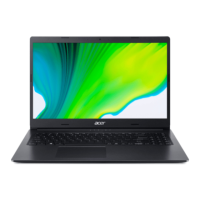
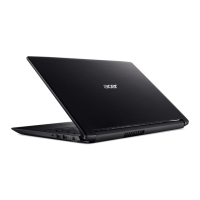
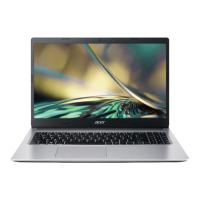
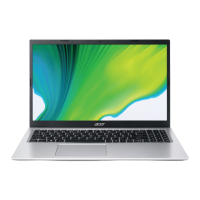
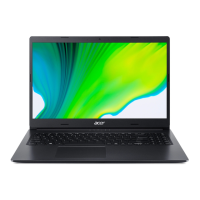
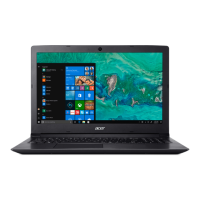
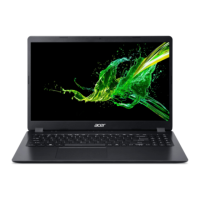
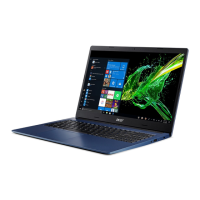
N18Q13 Aspire A315-55 series

N18Q13 Aspire A315-55 series
Essential advice for maintaining the computer's condition, including care for the device and adapter.
Details various touchpad gestures for navigation and interaction with the system.
Steps to create a backup of the operating system and installed applications.
Instructions for backing up network drivers for potential reinstallation.
How to restore the computer to its default factory settings.
Procedure to reset the PC while preserving personal files.
Procedure to reset the PC to factory defaults, removing all personal data.
Guide to pairing new devices with the computer's Bluetooth.
Instructions for connecting to a wireless local area network (WLAN).
Explains password protection for BIOS, boot-up, and user access.
Tips for reducing power consumption, including disabling fast startup.
Advice on how to maximize the battery's operational time and lifespan.
Steps to connect an external monitor to the computer's video port.
Information on connecting audio devices like headphones and microphones.
Troubleshooting common problems like the computer not starting or booting up.
Resolving issues where nothing appears on the screen.
Guide on how to restore the computer to its initial factory state.
Information on how to contact Acer support and what details to provide.
A table listing common error messages and their corrective actions.
Information on setting up wired and wireless networks for internet access.
Guidance on avoiding and dealing with ransomware infections.
 General
| Operating System | Windows 10 Home |
|---|---|
| Storage | 256GB SSD |
| Display | 1920 x 1080 |
| Graphics | NVIDIA GeForce MX230 |
| Ports | HDMI, Ethernet |
| Wireless | 802.11ac Wi-Fi, Bluetooth 4.2 |
| CPU | Intel Core i3/i5/i7 (varies by model) |