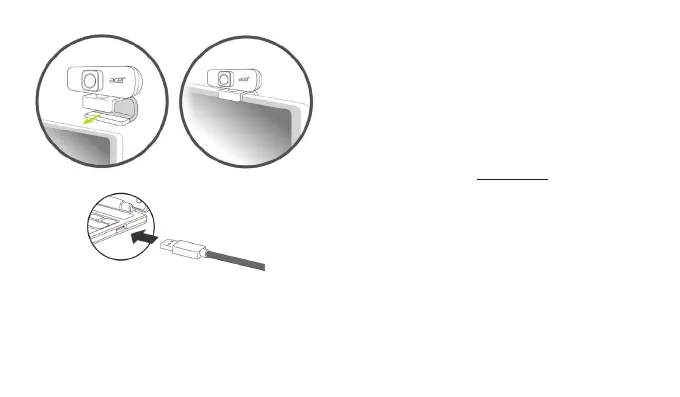
• Place it on the computer screen using the webcam stabilizer.
• Plug the USB of the Webcam into the computer.
Package Contents
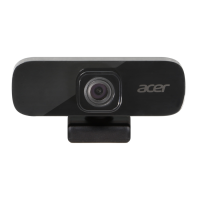
• Webcam x1
• Quick Start Guide x1
• Warranty booklet x1
Caution
• Do not disassemble the device or operate the device under
abnormal conditions.
• Do not submerge the device in water.
• If the device could not be functional, or there was thermal
abnormal situation, please re-plug in the USB.
• If you still encounter problems after going through the
corrective measures, please contact your dealer or an
authorized service center for assistance.
• For more information regarding the Acer accessories, please
visit the Acer website at www.acer.com
Environment
Temperature:
• Operating: 0 °C to 40 °C
• Non-operating: -20 °C to 60 °C
Humidity (non-condensing):
• Operating: 10% to 85%
• Non-operating: 10% to 95%
Manufacturer address
Acer Inc.
8F, 88, Sec. 1, Xintai 5th Rd. Xizhi, New Taipei City 221, Taiwan


 To Next Page