6
3) Click the Next button and follow the install wizard steps, the follow window will appear:
4) Click the Finish button; it will install the tools completely.
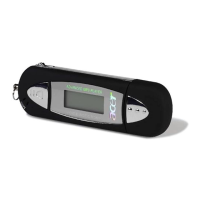
Insert the Acer Advanced MP3 Player directly to your computer’s USB interface. The
system will recognize it automatically and meanwhile there is a driver symbol “Removable
Disk” appears on “My computer”. And you can use it like usual ones.


 To Next Page