26 - Your Acer notebook tour
Information on USB 3.0
• USB 3.0 compatible ports are blue.
• Compatible with USB 3.0 and earlier devices.
• For optimal performance, use USB 3.0-certified devices.
• Defined by the USB 3.0 specification (SuperSpeed USB).
4
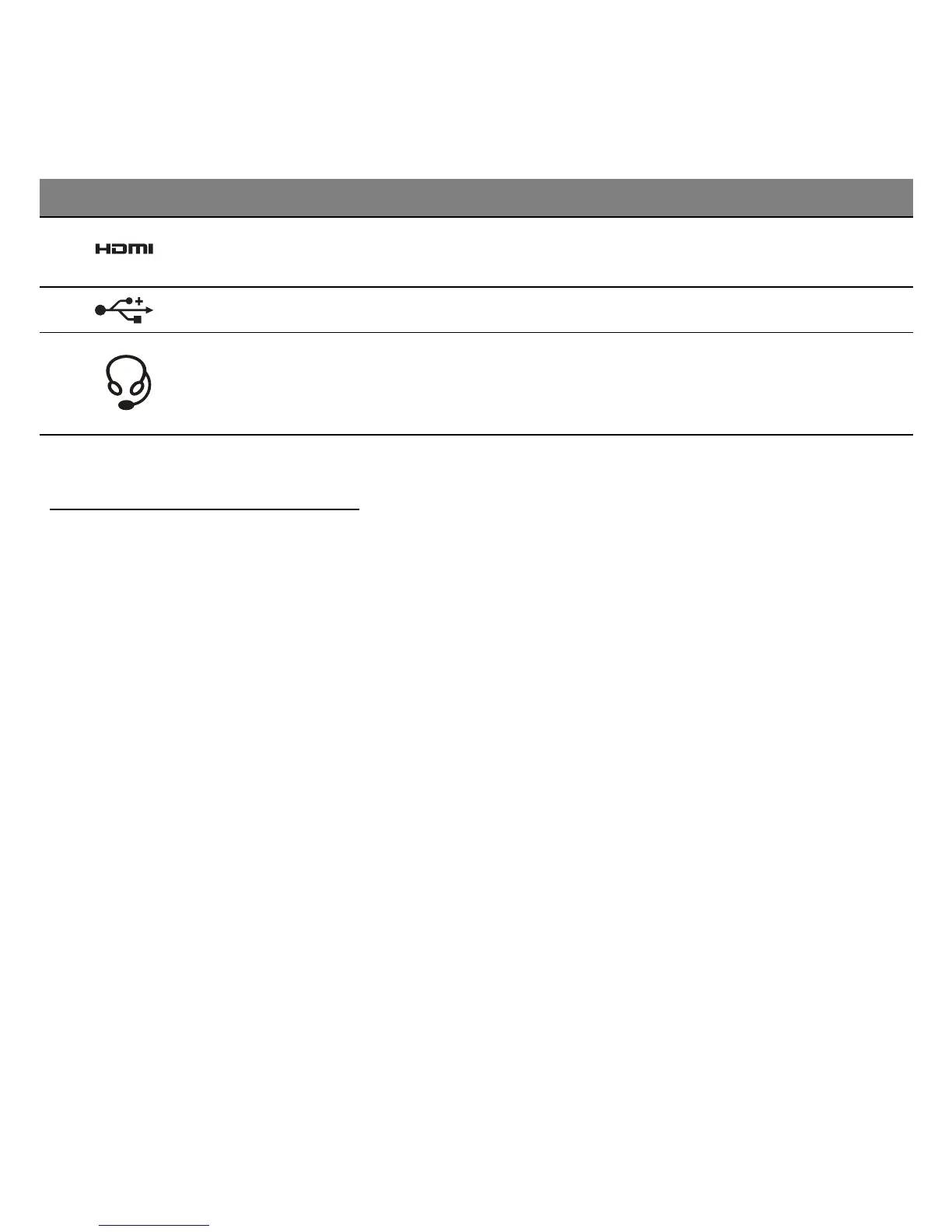
HDMI port
Supports high-definition digital video
connections.
5
USB port Connects to USB devices.
6
Headset/speaker
jack
Connects to audio devices (e.g.,
speakers, headphones) or a headset
with microphone.
# Icon Item Description



 To Next Page