Going online - 29
Browsing the internet
In order to browse the internet with your tablet, you must be
connected to a network with a connection to the internet.
Using the browser
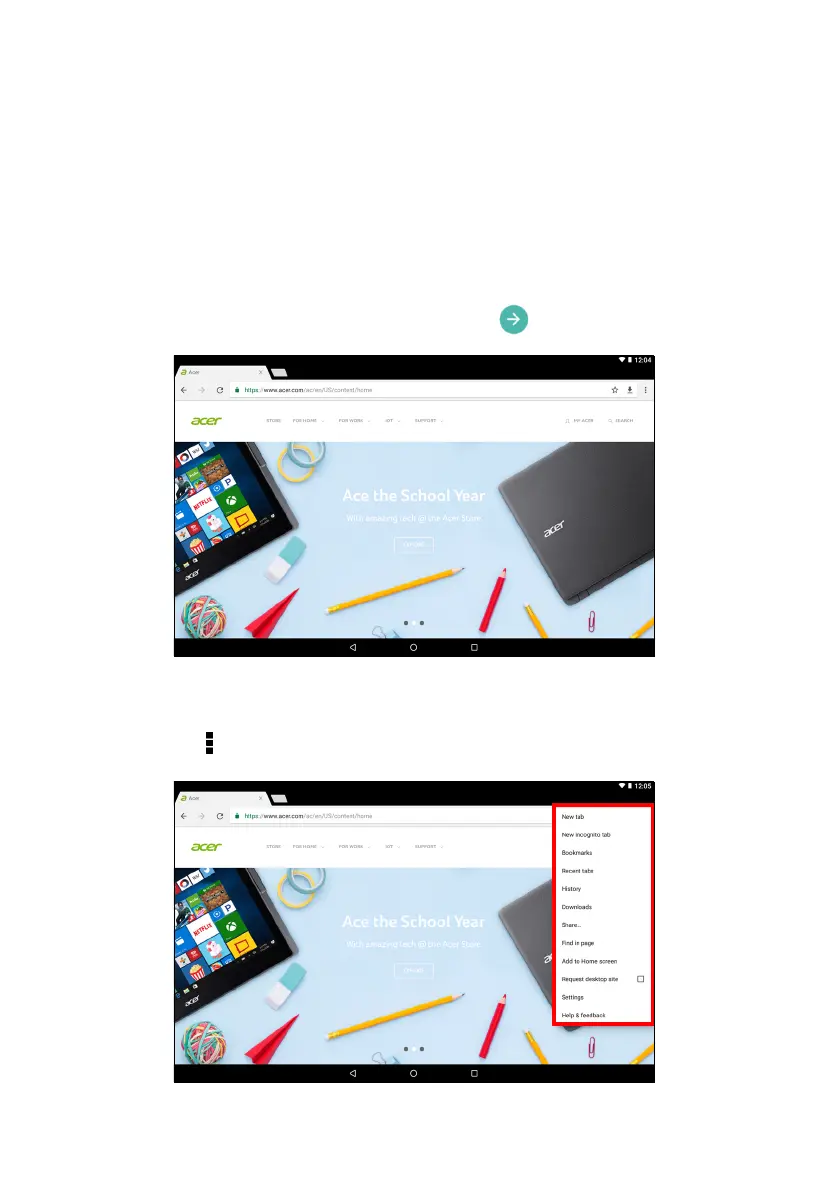
To start browsing, tap the Chrome icon on the Home screen. To enter
a website address, tap the address box at the top of the page. Enter
the address using the keyboard and tap .
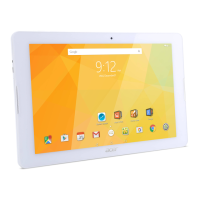
To navigate forward and backward in your browser’s history, tap the
arrow icons. To adjust browser settings and perform other tasks, tap
the Menu icon.



 To Next Page