2
Introduction
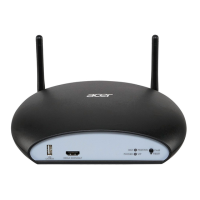
Thanks for choosing Acer CastMaster Touch.
Acer CastMaster Touch allows users to instantly switch projector input, reducing
waiting time between multi-person rotation presentations at meetings, which
reduces meeting time and increases meeting efficiency.
Acer CastMaster Touch is available on a variety of platforms and supports Android
and iOS through additional external wireless A/V receivers (Miracast receiver,
Chromecast, and Apple TV). Through the HDMI or USB Type C (DP alt mode) output
of Windows and Mac system, it’s plug-and-project with direct cable connection.
There’s no need for driver installation and no additional training, significantly
improving the projector efficiency at enterprises, education, or conferences.
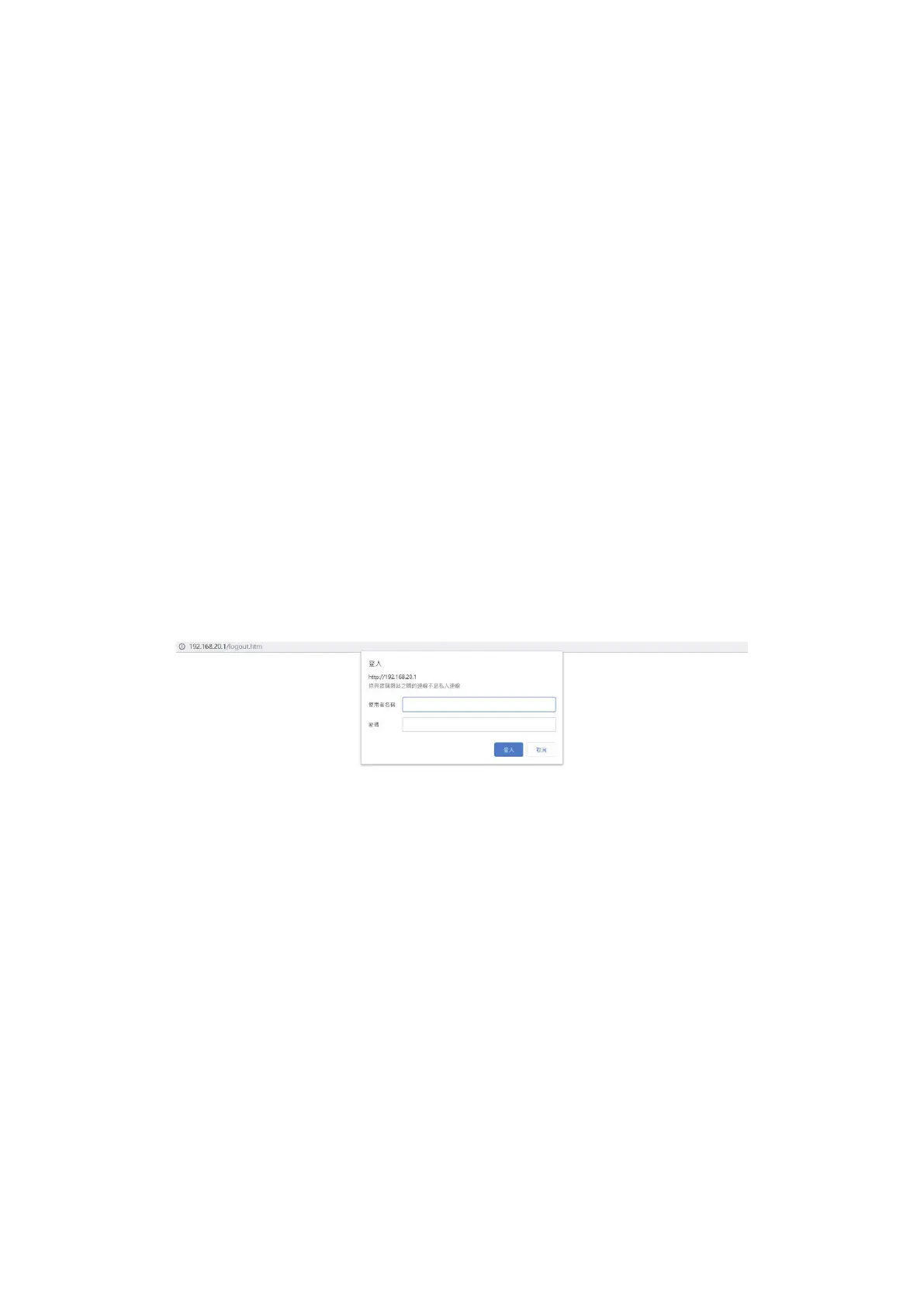
Configure your CastMaster Touch via the web page
CastMaster Touch users may configure the device via a web browser interface,
which enhances user experience. On CastMaster Touch's web management page,
customers may customize settings.


 To Next Page
 Loading...