4
English
Rear view
10
Security keylock
11 DVI-D Port
(for Digital visual input)
12 S-video 13 Headphone / Line out jack
(based on system support)
14 Microphone in jack 15 Line in jack
16 S/PDIF output jacks (for digital
audio equipment).
17 External display port
18 Power indicators
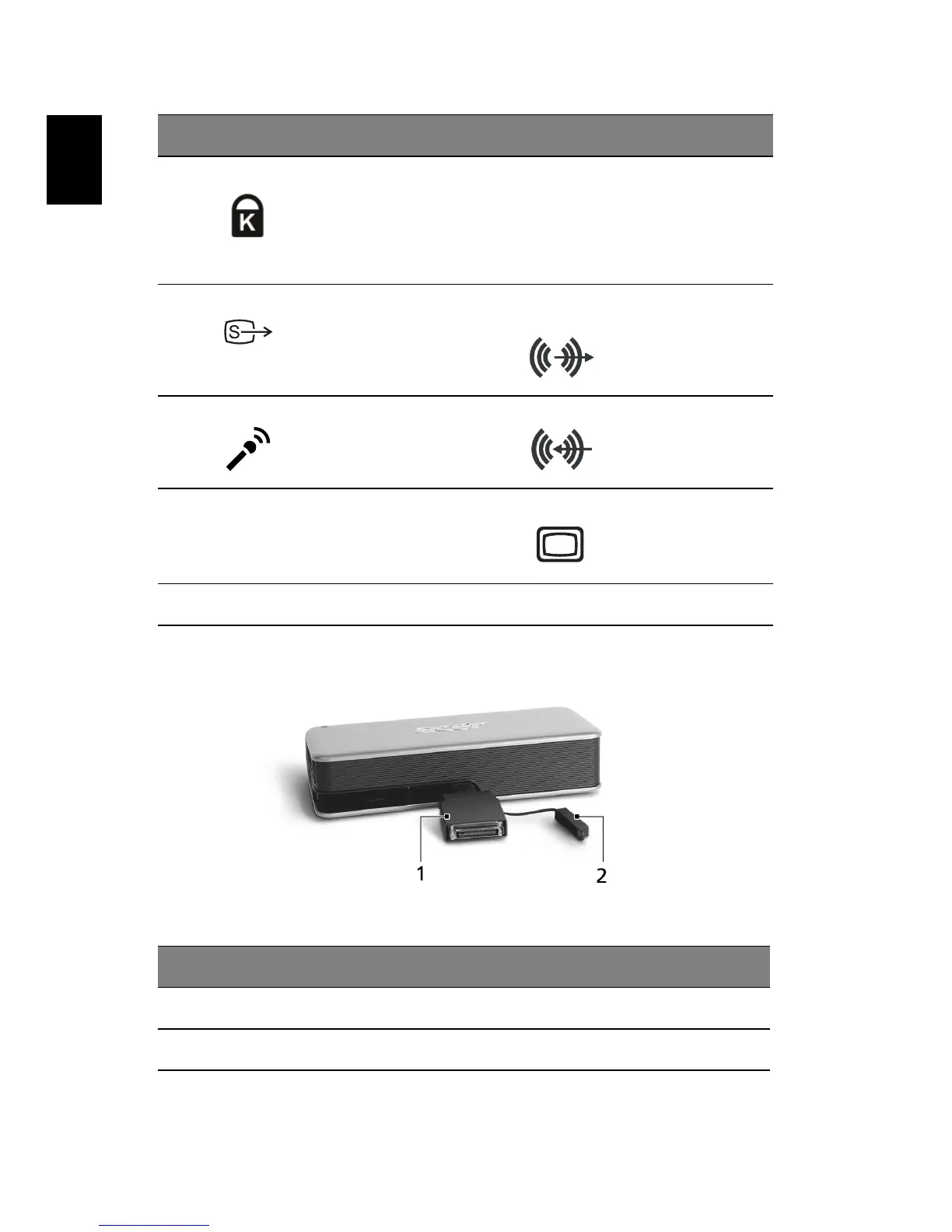
# Item
1 124 pin connector, connects to the expansion port of a Notebook PC
2 Connector cap, protects the connector when not in use.
# Item # Item


 To Next Page