Your Acer notebook tour - 15
2 Touchpad
Touch-sensitive pointing device.
The touchpad and selection buttons
form a
single surface.
Press down firmly on the touchpad
surface to perform a left click.
Press down firmly on the lower right
corner to perform a right click.
3
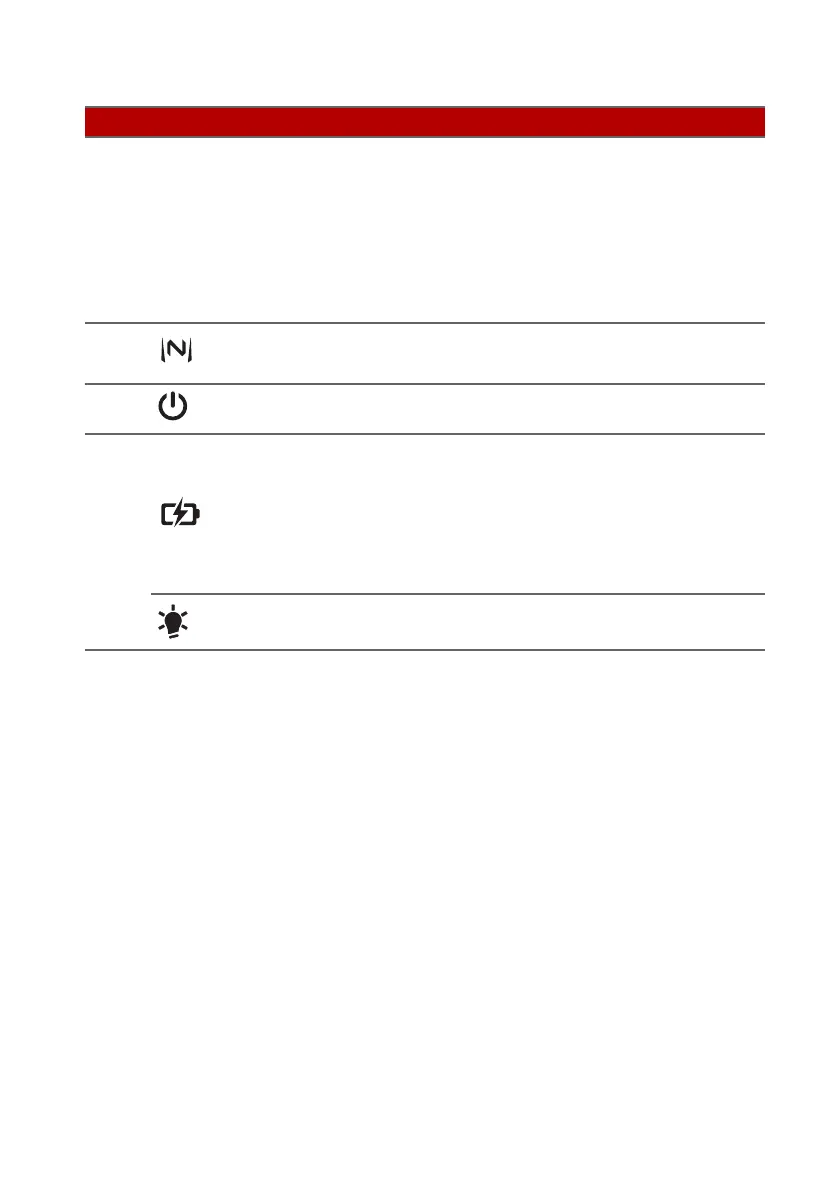
NitroSense key Launches NitroSense application.
4
Power button Turns the computer on and off.
5
Battery
indicator
Indicates the computer’s battery
st
atus.
Charging:
The light shows amber
when the battery is charging.
Fully charged:
The light shows blue
when in AC mode.
Power indicator
Indicates the computer’s power
status.
# Icon Item Description












 To Next Page