E
Earl SpencerDec 3, 2025
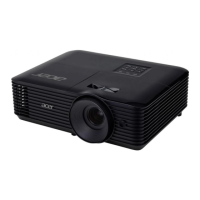
What to do if Acer X122 Projector displays image incorrectly from PC?


 To Next PageTo Next Page
What to do if Acer X122 Projector displays image incorrectly from PC?
Crucial safety guidelines for product operation, placement, and environment.
Guidelines for safe power connection, disconnection, and outlet usage.
Instructions and warnings related to product servicing and component replacement.
Important tips for using the projector correctly and maximizing its lifespan.
Highlights key features and technologies of the projector.
Identifies external parts of the projector from different views.
Illustrates how to connect the projector using different connection types.
Step-by-step guide to powering on the projector.
How to adjust the projector's height and optimize image size and distance.
Instructions for navigating and using the projector's installation menu for setup.
Step-by-step instructions for replacing the projector lamp module.
Details on projection technology, resolutions, compatibility, and I/O ports.
FCC compliance information, shielded cables, and peripheral device notices.
 General