页码 11/52
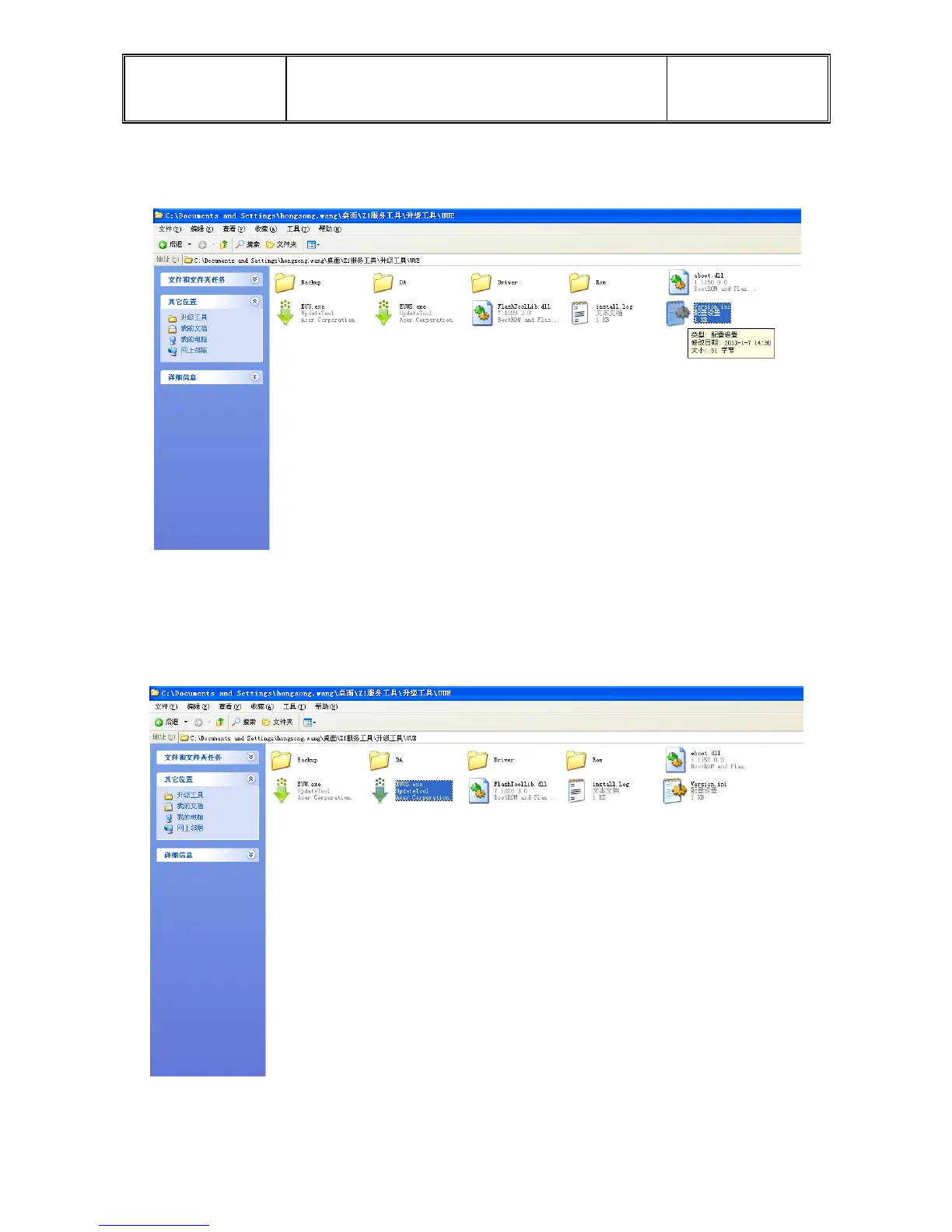
(2.) Double-click the “Version. Ini ”icon,and input the software Version number, than save
text and exit.
2. This software has two different upgrade tools. Using EUUS tools upgrade will erase user data,
EUU update tool don’t clear user date, according your need to select. The same method of operation
of the two upgrade tools, we use EUU tools as an example, please follow the picture.
(1.) Double-click the “EUU.exe” icon, follow the pictures.



 To Next Page