页码 15/52
5. SD card download guide.
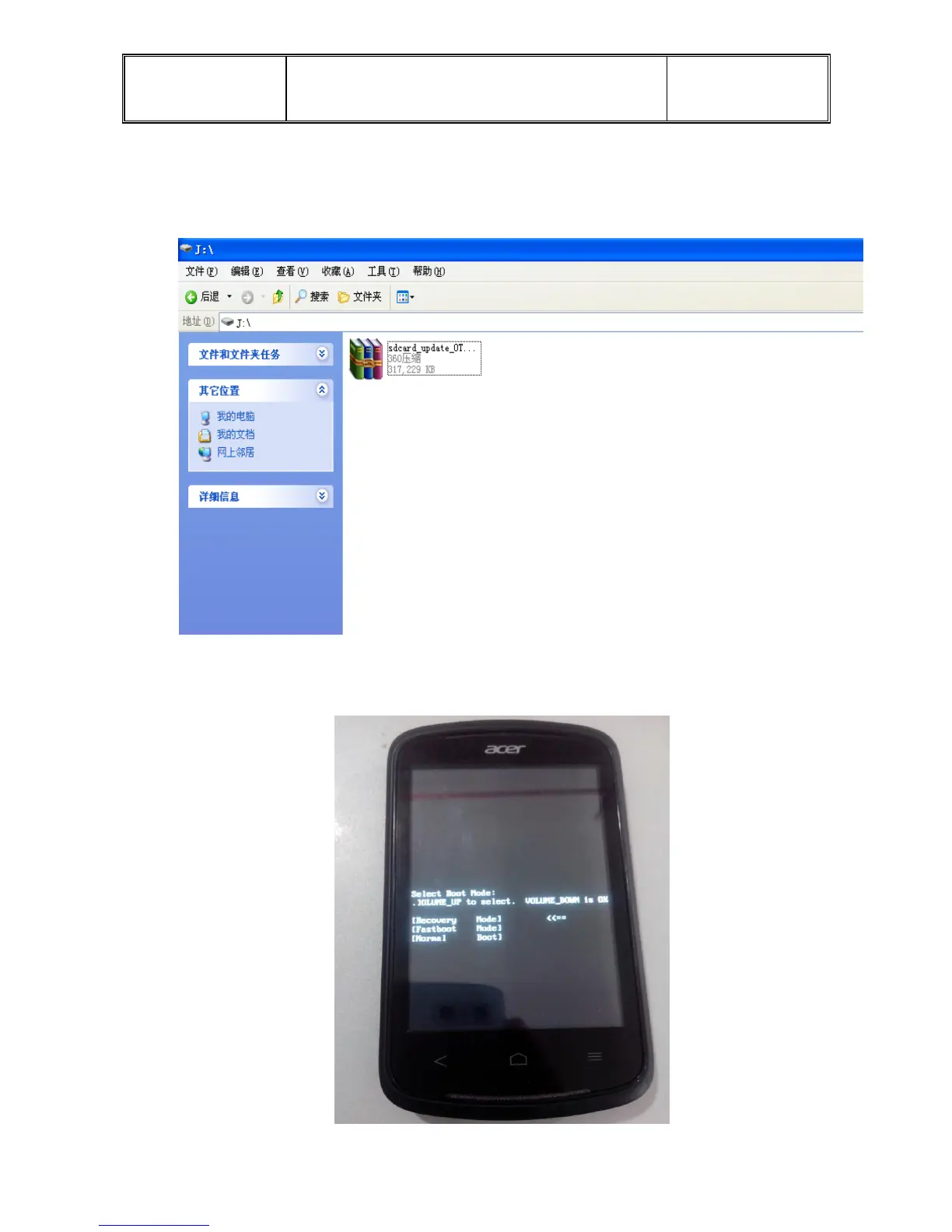
1.Copy the” ZIP” files to the root directory of SD card, then put SD card into its slot.
Be sure have space enough in SD which is twice of space of “ZIP” files at least, or
maybe download failure.
2.Under the status of power-off, first press down the power key when the Motor
vibration than press down the volume-down key till going into “recovery mode”, as you
see the interface like picture below means into “recovery mode”


 To Next Page