Need help?
Do you have a question about the ACME BK01 and is the answer not in the manual?
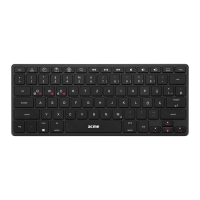
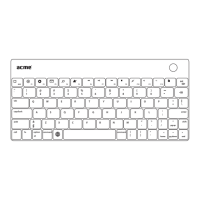
Illustrates the physical layout of the Bluetooth keyboard, including keys and indicators.
Guide for connecting and setting up the Bluetooth keyboard with a device.
Instructions on how to charge the keyboard and best practices for storage.
Important safety warnings, cautions, and WEEE symbol information for responsible use and disposal.
Information on the warranty duration, terms, conditions, and exclusions for the product.

 To Next Page
 General