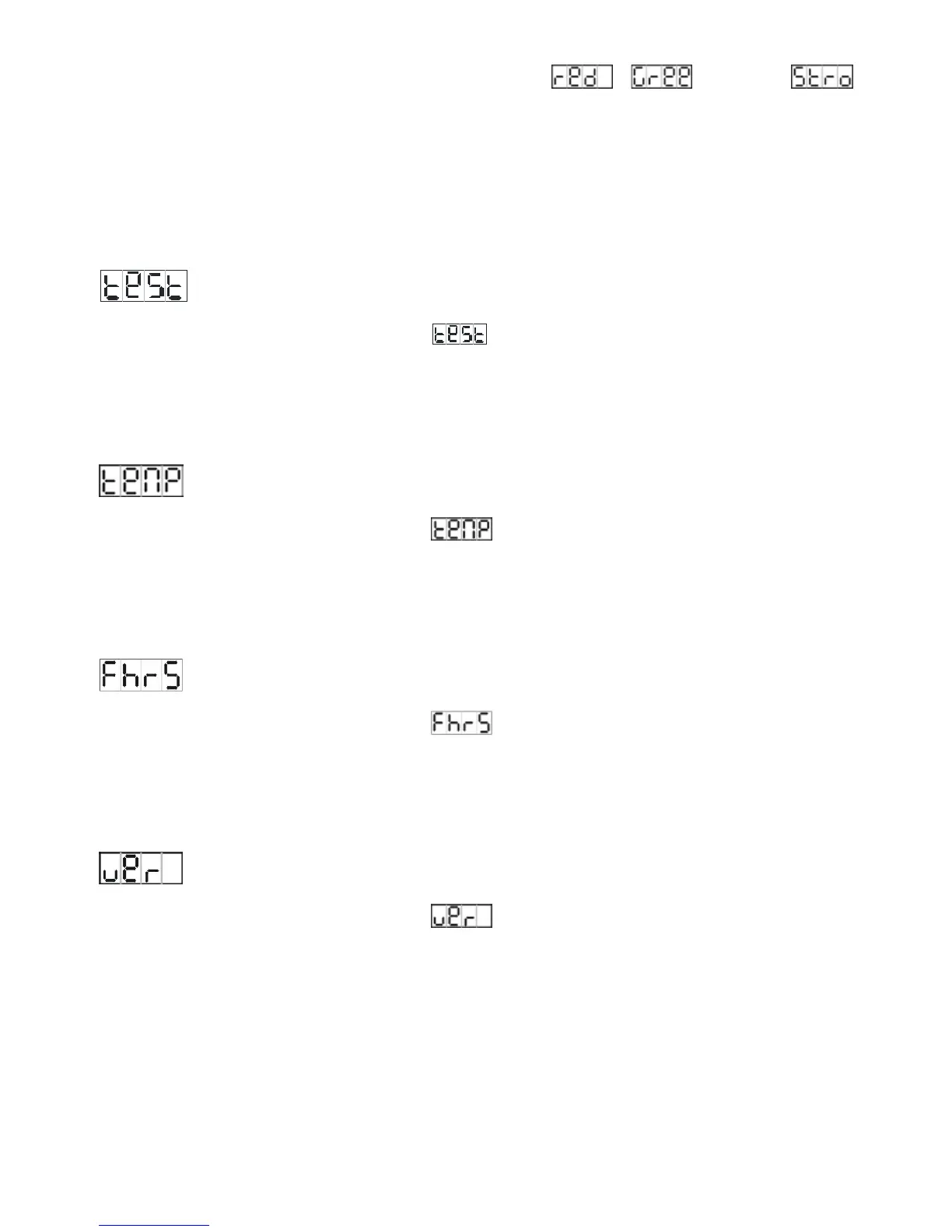
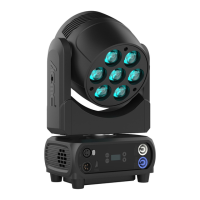
button, and use DOWN and UP button to select
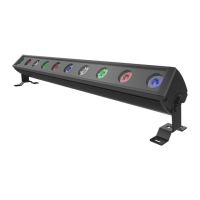
, or … or
(strobe), press ENTER button to confirm and use DOWN and UP button to adjust the value,
once select press ENTER button to setup or automatically exit menu mode without any
change after 7seconds. To go back to the last function without any change press the MENU
button.
Self-Test
Press the MENU button up to when the
is blinking on the display. Pressing the
ENTER button and the unit will run the built-in programmer for self-test. To go back to the
functions press the MENU button.
Temperature Test
Press the MENU button up to when the
is blinking on the display. Pressing ENTER
button and the display will show the temperature of the unit. To go back to the functions
press the MENU button again.
Fixture Hours
Press the MENU button up to when the
is blinking on the display. Pressing ENTER
button and the display will show the number of working hours of the unit. To go back to the
functions press the MENU button.
Software version
Press the MENU button up to when the is blinking on the display. Pressing ENTER
button and the display will show the version of software of the unit. To go back to the
functions press the MENU button again.
10 A


 To Next Page