14
GB
Troubleshooting
• The wheel is not working when software and hardware installation is completed on the PC.
Please check whether the wheel cable is properly connected to your PC. If the problem still exists,
please restart your PC
• The motors do not vibrate in PC racing games (e.g. Need for Speed 5).
Quit the game and restart it. Do not insert or pull the wheel cable when
gaming. If the problem still exists, please restart your PC.
• Certain axis will be automatically functioning when the game starts (e.g. Need for Speed 5).
Please check whether the wheel is calibrated or set after calibration.
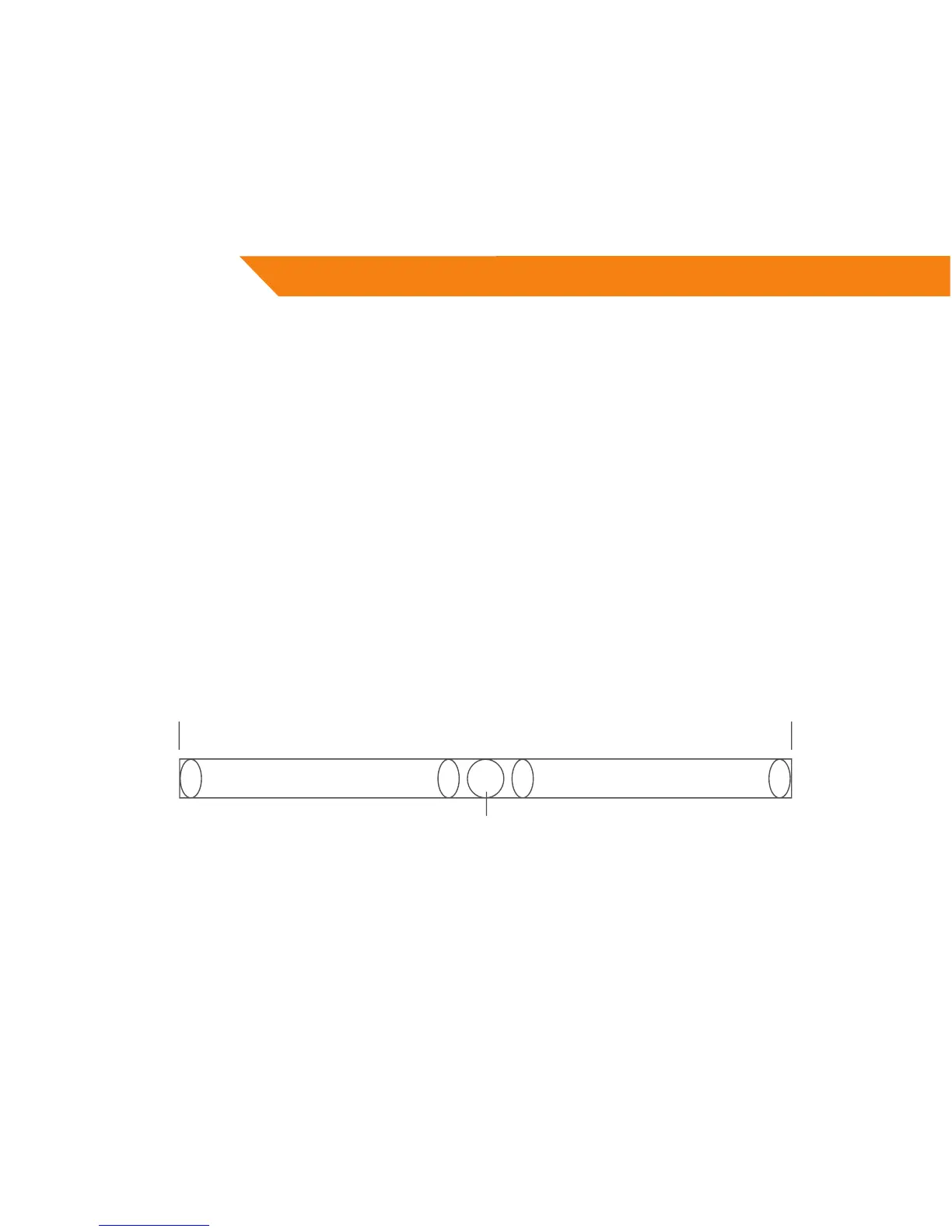
Enter Option > Controllers > Dead Zone.
Adjust the range of Dead Zone and keep the axis within the range
Active Zone Dead Zone Active Zone
Axis
Axis
• Settings for Driver “Controller Function” are not functioning
You probably have forgotten to conrm the settings. Click “Apply” when settings are selected


 To Next Page