Introduction of LaserGRBL
6
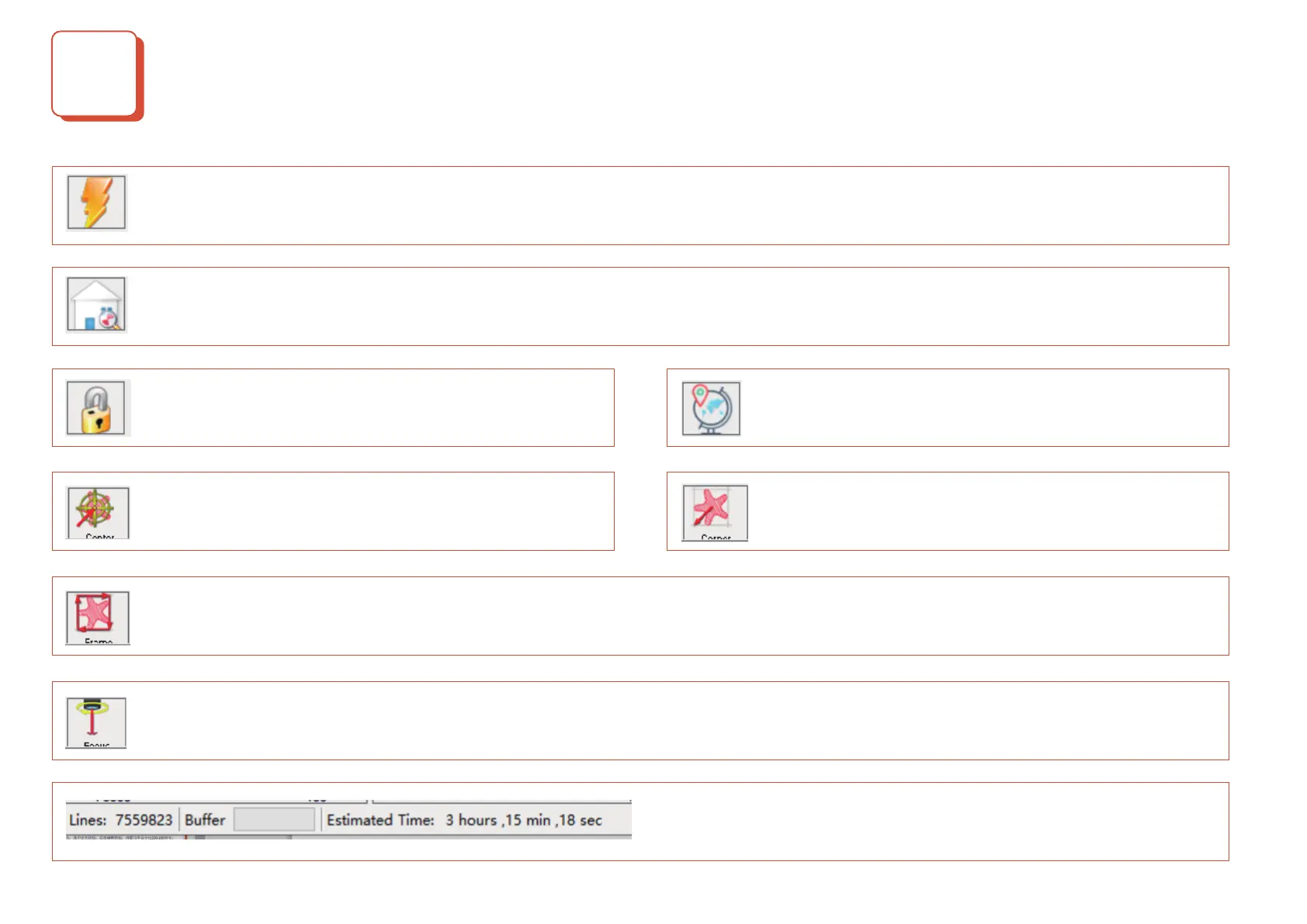
Reset button:You can click the reset button when need to pause the engraving or when there is an abnormal situation.
Return button: Click the button, the X, Y-axis will run to the mechanical origin. It is recommended that when in large size carving, you
could click the button to return to zero before the engraving.
Unlock button: After resetting, you need to click the unlock
button;
Origin button: When the button is clicked, the current
position is taken as the origin.
Preview button: When the button is clicked, the X and Y axes will be moved to the maximum square size of the engraving pattern.
Unlock button: After resetting, you need to click the unlock
button;
Origin button: When the button is clicked, the current
position is taken as the origin.
Open Light button: Click the button and the laser will open. If there is no light, please select the light button, right-click the edit button
and adjust the power F value
Lines: The total number of lines of G code. The more lines, the
longer the engraving time will be;
E35D2F


 To Previous Page