digital entry system installer). An attempt of entry with a proximity card or keyfob which has not been
paired will result with three loud beeps from the outside unit speaker. When the door electric strike
is unlocked, the display shows the following text string: “Enter!”. The OUTPUT (of the Master only)
is activated with button F2 on the inside unit (during a dialled call) or entering a valid access code;
this requires pressing the Key button twice before the access code is entered, not unlike in the
regular door electric strike unlock procedure. If an ACC is wired, the 2nd output is triggered by
pressing the Key button and using a paired proximity card or keyfob. As long as the 2nd output
remains triggered, the display shows the following text string: “OUT-2” (OUTPUT 2).
PROGRAMMING
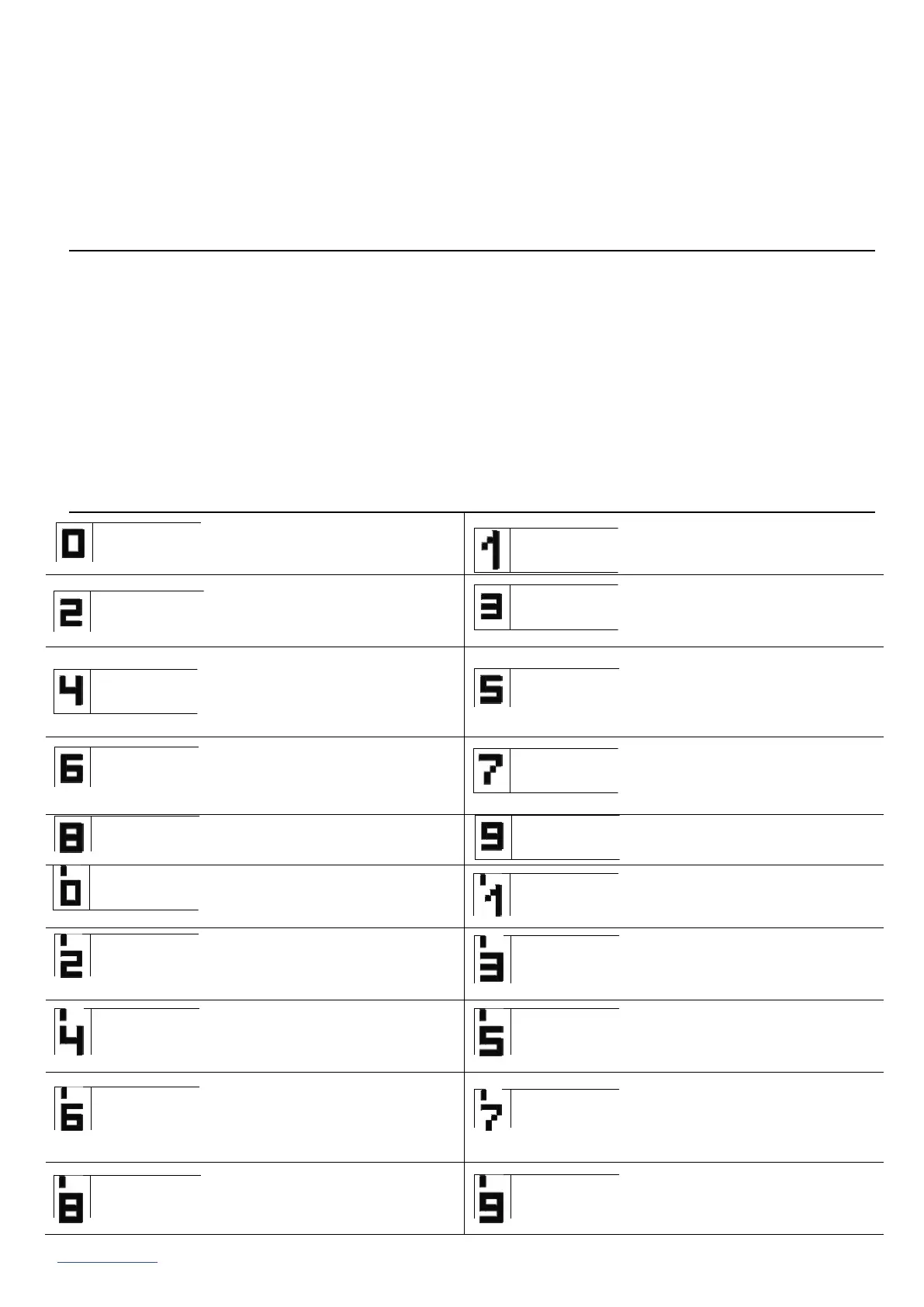
Accessing the Installer menu: press the Key button and input “1507xxxx” within the next 5 seconds;
the string “xxxx” is the 4-digit installer access code, which is “0000” by default. It should be changed
to a custom digit string! (Menu 7: retype the current access code first).
CAUTION! In the newest outside units, “0000” has been replaced by the last four digits of the
product's serial number visible on the sticker on the electronics board. A successful access to the
Installer menu is confirmed with a sound and the software version appearing on the display, which
is followed by Program 0: “Open”. You can navigate between the menus by pressing “2” to navigate
“up” and “8” to navigate “down”. The Key button opens the currently selected menu (shown on the
display) and confirms the changes of value. In the Installer menu, you can reset (and restart) the
outside unit panel by pressing buttons “7” and “9” at the same time. When exiting the Installer menu
(by pressing “#”), the display shows the current temperature inside the outside unit.
INSTALLER MENU ITEMS
CAUTION! Access to the full outside unit configuration requires the software configuration tool (“x700”) which can be downloaded for free from
www.aco.com.pl. The outside unit can be interfaced with a PC laptop with an optional CDN-USB data cable (which is purchased separately).
The website Downloads section includes the full operating manual for the CDNP outside units, complete with a troubleshooting guide for most common
problems. IU0409enVF.1938


 To Previous Page
 Loading...