5
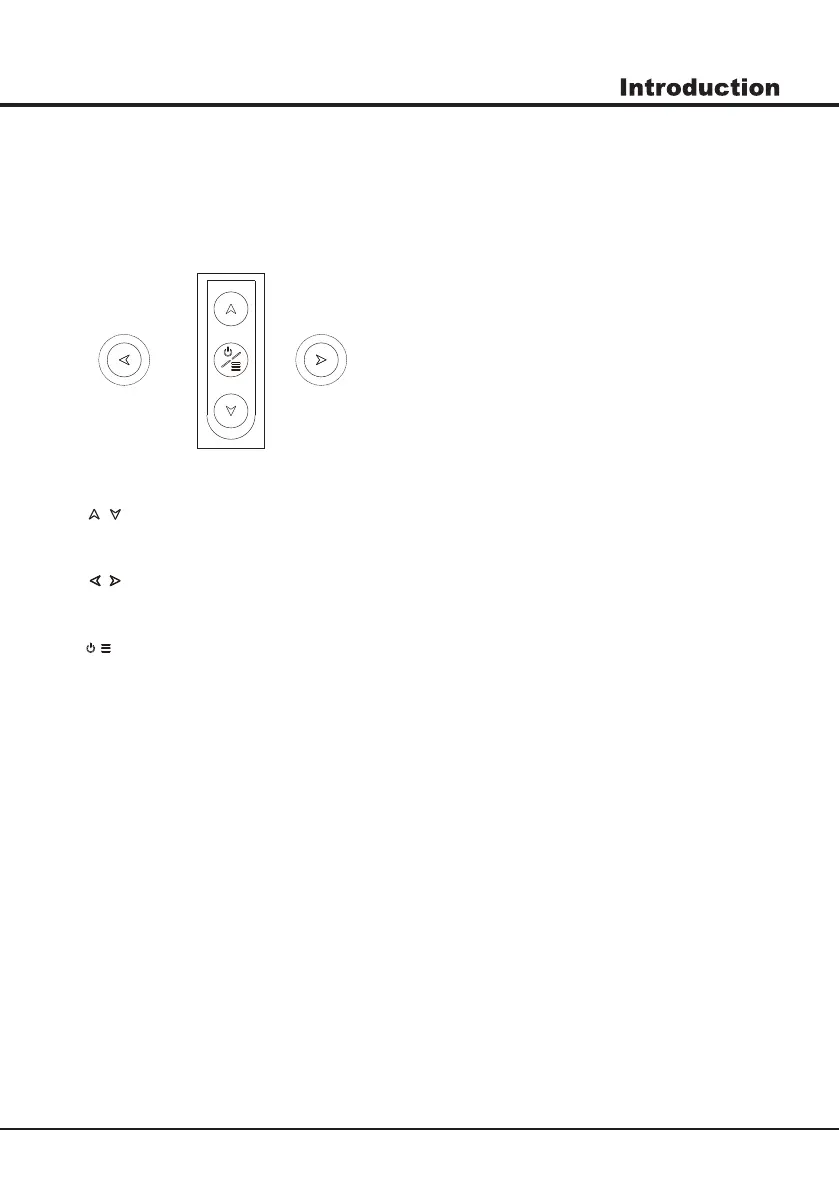
Buttons on the TV
Note: The location and names of the function buttons and power button on the TV may vary according to TV model.
And some buttons may not available for some models.
2
. \ button
Increases/decreases the volume.In the menu system,they act like the right/left direction buttons on the
remote and adjust menu controls.
1. \ button
Scans up/down through the channel list. In the menu system, they act like the up/down direction buttons on the
remote and adjust menu controls.
/ button
Turns the TV on or standby.The TV is on,press it, brings up the main menu or press to return to the previous menu.
Before enter menu, long press it for three seconds to display the Source Select.
3.
Note: The location and names of the function buttons and power button on the TV may vary according to TV model.



 To Next Page