EasyManua.ls Logo

Acorto 2000s - Page 23

Acorto 2000s
237 pages
Print Icon
To Next Page IconTo Next Page
To Previous Page IconTo Previous Page
Loading...
GPU
Buttons
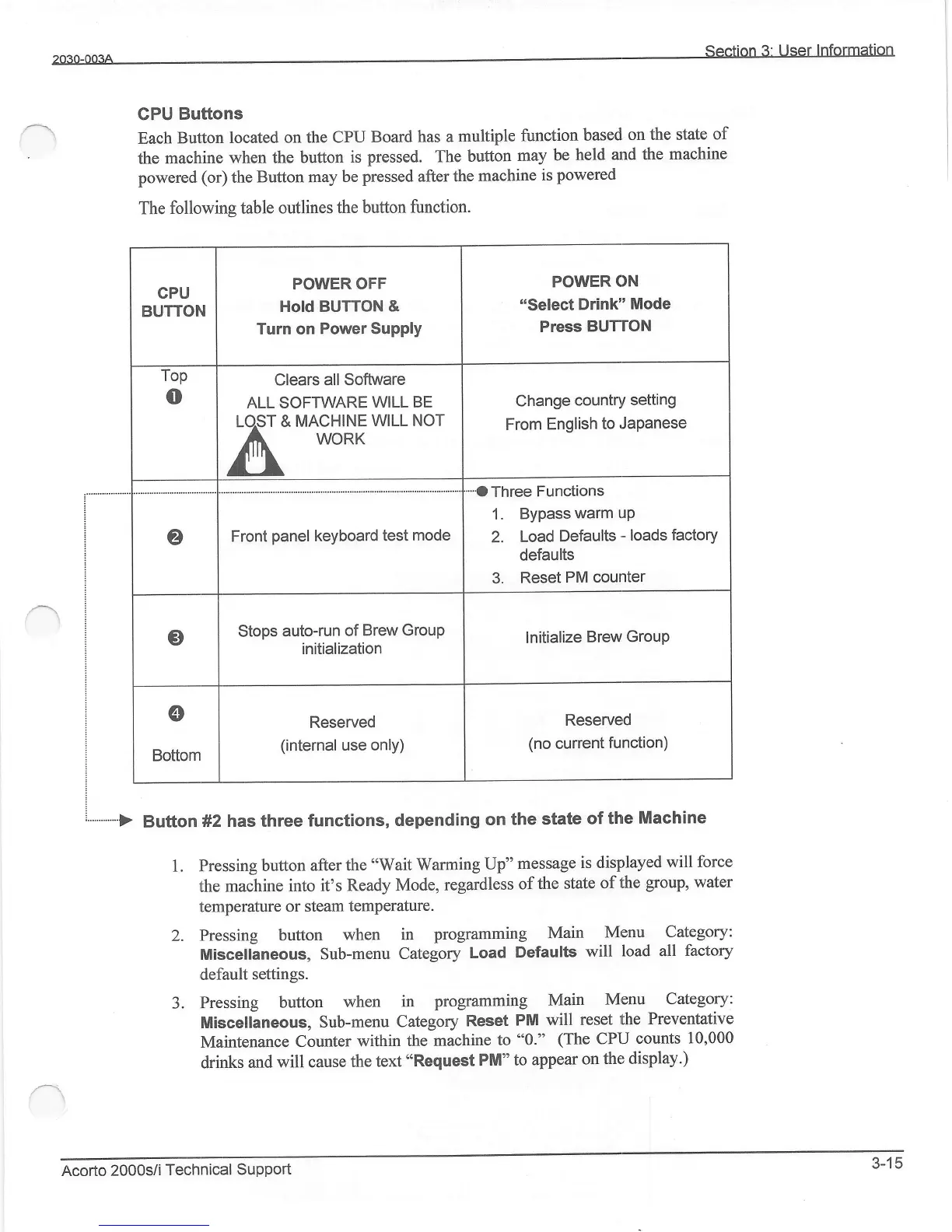
Each
Button
located on
the CPU
Board
has a
multiple
function
based
on the state
of
the
machine
when the
button
is
pressed.
The
button
may
be
held
and
the
machine
powered
(or)
the
Button may
be
pressed
after
the
machine
is
powered
The
following table
outlines the
button
function.
1.
JPressing
button
after the
"Wait
Warming
Up"
message
is
displayed
will
force
the
machine
into it's
Ready Mode,
regardless
of
the state
of the
group, water
temperafure
or
steam temperature.
2. .Pressing
button
when
in
programming
Main
Menu
Category:
Miscellaneous,
Sub-menu
Category
Load
Defaults
will
load all
factory
,clefault
settings.
3. Pressing
button
when
in
programming
Main
Menu
Category:
Miscellaneous,
Sub-menu
Category
Reset
PM will
reset
the Preventative
Maintenance
counter
within
the machine
to
"0."
(The
cPU
counts
10,000
drinks
and
will cause
the
text "Request
PM"
to
appear
on
the display.)
POWER
ON
"Select
Drink"
Mode
Press
BUTTON
POWER
OFF
Hold BUTTON &
Turn on
Power Supply
Change
country
setting
From
English
to
JaPanese
Clears
all Software
ALL SOFTWARE
WILL BE
LOST
& MACHINE
WILL NOT
A WoRK
^llilL
I.-I
Three
Functions
1.
Bypass
warm up
2.
Load
Defaults
-
loads
factory
defaults
3.
Reset
PM
counter
Front
panel
keyboard
test
mode
lnitialize
Brew
GrouP
Stops
auto-run
of
Brew Group
initialization
Reserved
(no
current
function)
Reserved
(internal
use only)
Acorto
2000sii
Technical
SuPPort
3-15