260 OWNER’S MANUAL
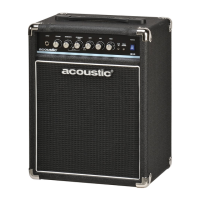
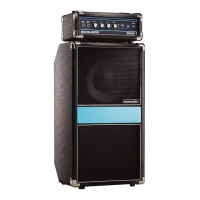
100 WATT, 1 X 10” BASS MINI-STACK
260 OWNER’S MANUAL
100 WATT, 1 X 10” BASS MINI-STACK
5
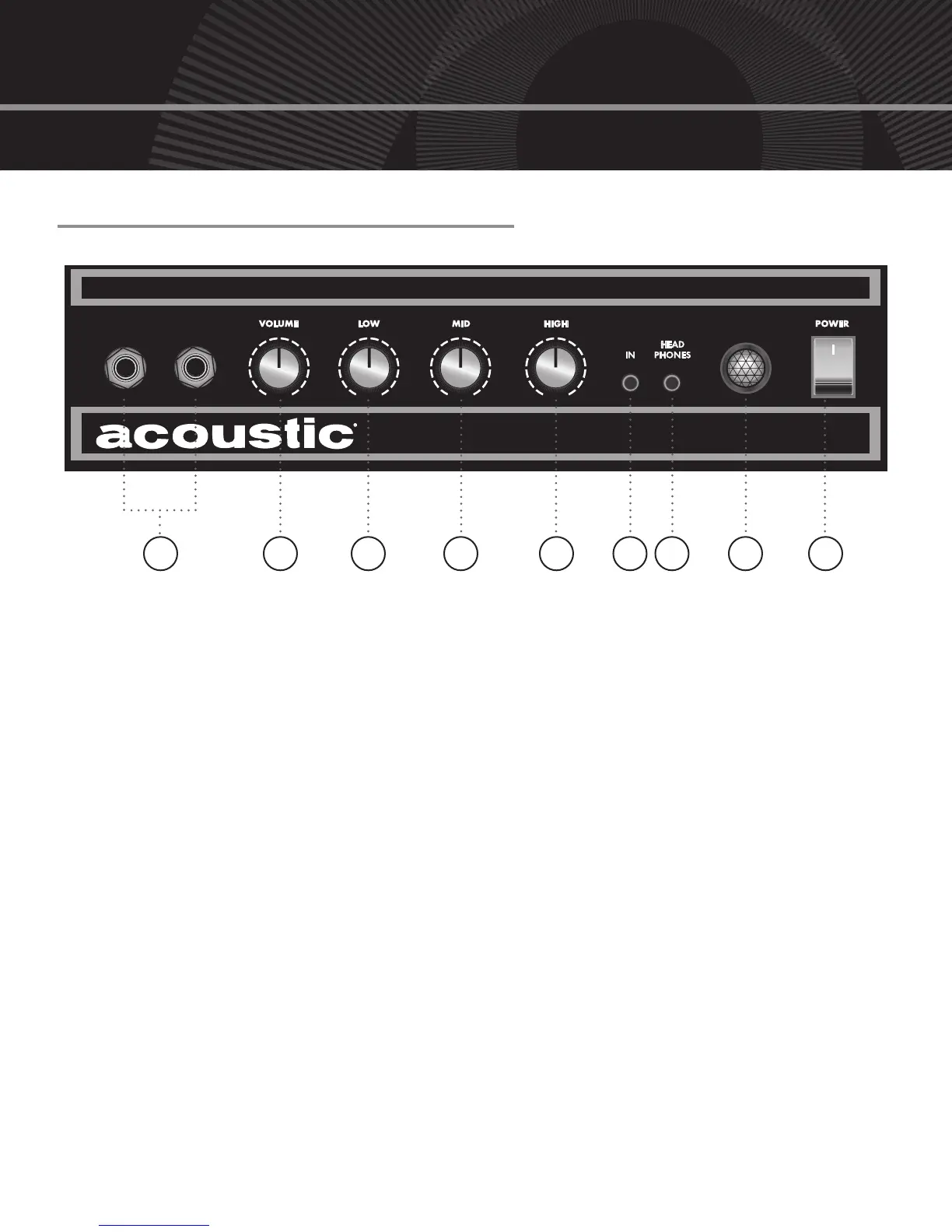
pANEL CONFIgURAtION
260
AUX
PASSIVE
INPUT
ACTIVE
INPUT
92 3 4 5 6 7 8
FRONT PANEL
1. 1/4” bass guitar inputs for passive or
active pickups. (Active = -15 dB)
2. If you are using a bass guitar with an
on-board preamp, set this volume
control level to its middle position
before increasing the amp’s volume,
as distortion may occur otherwise.
3. Low frequency control set to boost
(15 dB) or cut (-15 dB) frequencies at
60 Hz. Controls lower fundamental
frequencies to enhance warmth and
provide deep, full tones.
4. Midrange frequency control set
to boost (15 dB) or cut (-15 dB)
frequencies at 340 Hz. Allows you
to add thickness and body to your
bass tones.
5. High frequency control set to boost
(15 dB) or cut (-15 dB) frequencies
at 2 kHz. Adds punch to your bass
guitar’s sound.
6. This 1/8” aux input jack will allow
you to plug in a CD/MP3 player or
another source to practice with. To
control the source volume, adjust
the output volume of the device. We
suggest you turn the volume all the
way down, plug in, and then adjust
the volume according to your taste.
7. 1/8” headphone jack will disconnect
the internal speaker when used.
8. When this light is on, your amp is
ready to be played.
9. Power switch turns the amp on
and off.
1


 To Next Page