EasyManua.ls Logo

Acqua GY-NE42RFW - User Manual

Acqua GY-NE42RFW
14 pages
Print Icon
To Next Page IconTo Next Page
Loading...
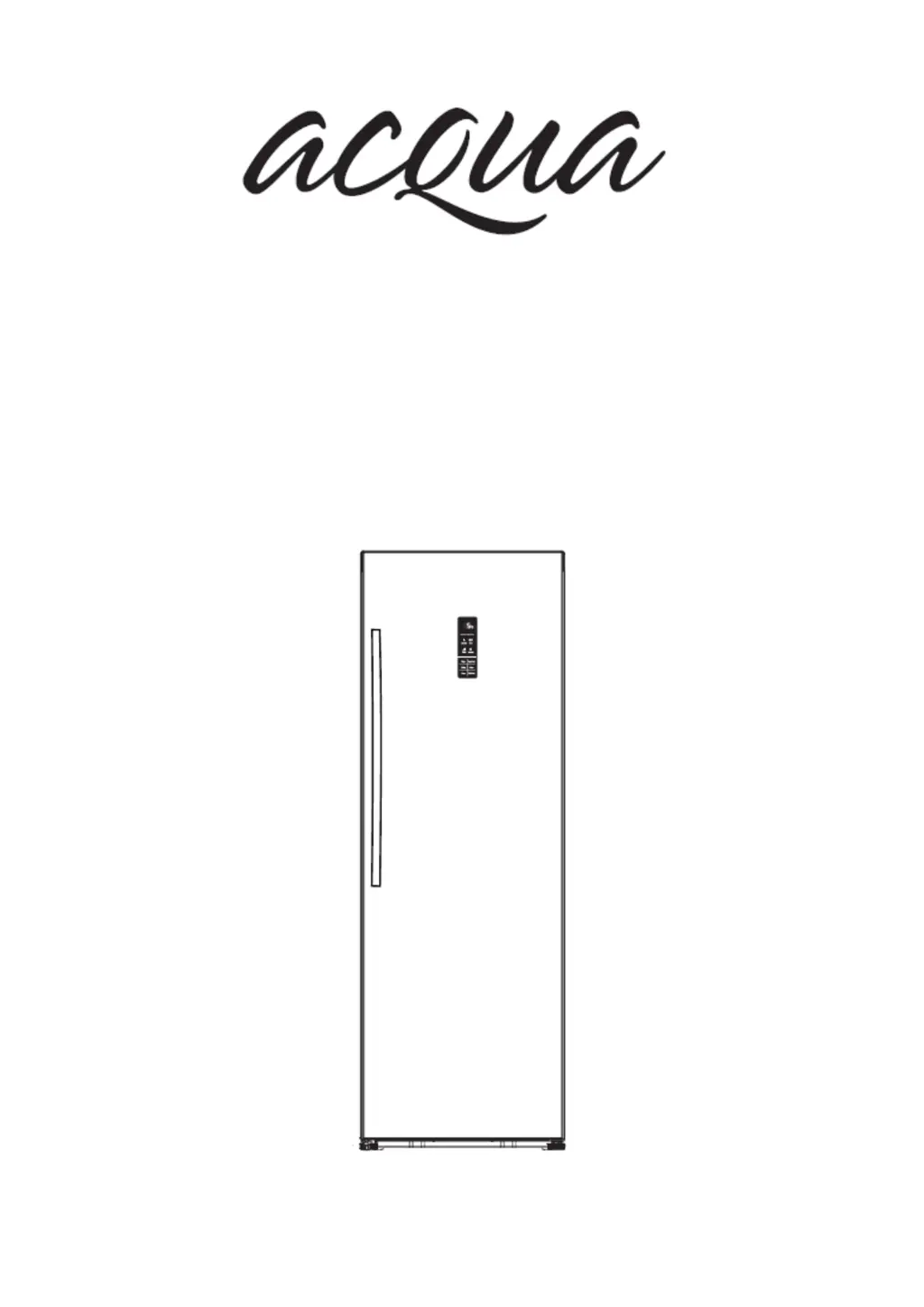
UPRIGHT REFRIGERATOR
INSTRUCTION MANUAL
GY-NE42RFW
GY-NE325RFS

Other manuals for Acqua GY-NE42RFW

Questions and Answers

Summary

Brief Introduction

Important Safety Instructions

General Safety and Daily Use

Guidelines for safe operation and daily use of the appliance, covering storage and handling.

Safety about Electricity

Electrical safety precautions, including plug suitability, grounding, and extension cord usage.

Refrigerant and Fire Safety

Information on the refrigerant used and associated fire risks and handling precautions.

Installing Your New Appliance

Ventilation and Setup

Ensuring proper ventilation for cooling efficiency and energy saving around the appliance.

Levelling the Appliance

Adjusting bottom feet for stability and proper door self-closing.

Adjusting the Door Handle

Instructions for checking and tightening the appliance door handle.

Description of the Appliance

View of the Appliance

Detailed diagram and labeling of the appliance's various parts and components.

Display Controls

Controlling the Temperature

Instructions on how to set and adjust the refrigerator temperature.

Super Cool Function

Explanation of the Super Cool feature for rapid cooling and its activation/deactivation.

Holiday Mode

Guidance on using the Holiday mode for energy saving during extended periods of non-use.

Alarm and Door Alarm

Information on the alarm system, including activation conditions and cancellation.

Power On;Off

Instructions for switching the appliance on and off using the Power button.

Child Lock Function

Details on activating and deactivating the Child Lock feature to prevent unintended operation.

Using Your Appliance

Door Rack Usage

Guidelines for storing items in the refrigerator door racks.

Refrigerator Shelves

Information on the removable shelves within the refrigerator chamber.

Crisper and Humidity Control

How to use the crisper cover to control humidity for fruits and vegetables.

Bottle Holder

Information on the use and location of the bottle holder.

Helpful Hints and Tips

Energy Saving Tips

Recommendations for optimizing energy consumption and reducing electricity bills.

Hints for Refrigeration

Advice on initial startup and loading food after periods of inactivity.

Switching off the Appliance

Steps for safely switching off the appliance for extended periods to prevent mould.

Cleaning and Care

Exterior Cleaning

Instructions for cleaning the external surfaces of the appliance.

Interior Cleaning

Procedures for cleaning the inside of the refrigerator and its compartments.

Door Seal Cleaning

Guidance on cleaning and maintaining the refrigerator door seals.

Replacing the LED Light

Steps for safely replacing the interior LED light strip.

Troubleshooting

Appliance Not Working Correctly

Checks and solutions for when the appliance is not functioning correctly.

Compartment Odours

Causes and solutions for unpleasant odours within the appliance.

Appliance Noise

Explanation of normal operating noises and troubleshooting unusual sounds.

Continuous Motor Operation

Reasons why the motor may run continuously and potential adjustments.

Frost in Compartment

Addressing the issue of frost build-up in the appliance compartments.

Temperature Too Warm

Troubleshooting causes and solutions for a warm interior temperature.

Temperature Too Cold

Addressing issues where the interior temperature is excessively cold.

Doors Not Closing Easily

Checks and fixes for when the appliance doors do not close properly.

Unit Hard to Open

Explanation for temporary vacuum causing difficulty in opening the unit.

Water on Floor

Diagnosing and resolving issues with water dripping onto the floor.

Light Not Working

Troubleshooting the interior light not functioning, including LED issues.

Disposal of the Appliance

Packaging Materials

Information on recycling packaging materials according to their symbols.

Before Disposal

Steps to take before disposing of the appliance, including cord cutting.

Correct Disposal of Product

Guidance on proper disposal of the appliance as electronic waste.

Overview

This document is an instruction manual for an Acqua Upright Refrigerator, specifically models GY-NE42RFW and GY-NE325RFS.

Function Description:

The appliance is an upright refrigerator designed for domestic household use. Its primary function is to store food and beverages, maintaining them at appropriate temperatures. It features various compartments and settings to optimize food preservation and energy efficiency.

Important Technical Specifications:

  • Power Supply: Single phase alternating current of 220~240V/50Hz.
  • Refrigerant: Isobutene (R600a), a natural gas with high environmental compatibility, which is flammable.
  • Climate Class: The appliance performs well within the climate class from N to T, meaning it is designed to operate effectively in ambient temperatures ranging from +10°C to +43°C, depending on the specific sub-class (Extended Temperate, Temperate, Subtropical, Tropical).
  • Ventilation Requirements: At least 75mm of space from the back wall, 100mm from the top, 100mm from the sides, and a clear space in front to allow doors to open 135°.
  • Door Tilt: The top of the appliance should be tilted backwards by about 10mm to allow the door to self-close.

Usage Features:

  • Control Panel: Located on the door, it features touch buttons and a digital display for easy configuration of features and settings.
  • Temperature Control: Users can set the fridge temperature between 8°C and 2°C, decreasing by 1°C with each press of the "Fridge" button. The recommended initial setting is 4°C.
  • Super Cool Function: Activates by pressing the "Super Cool" button, setting the fridge temperature to 2°C for approximately 6 hours to quickly refrigerate food and keep it fresh for a long period. It switches off automatically or can be manually deactivated.
  • Holiday Function: Designed to minimize energy consumption during long periods of non-use. Activated by pressing the "Holiday" button for 3 seconds, it automatically sets the unit's temperature to 15°C. No food should be stored in the unit during this mode.
  • Alarm Function: An "Alarm" icon lights up and a buzzing sound starts in case of an alarm. Pressing the "Alarm" button stops the sound.
  • Door Alarm: If the fridge door is left open for over 2 minutes, a door alarm and buzzer will activate, beeping 3 times per minute for 10 minutes. Closing the door cancels the alarm.
  • Power On/Off: The appliance can be switched off by pressing the "Power" button for 5 seconds, turning off the display panel. It can be switched back on by pressing the "Power" button for 1 second, reverting to previous temperature settings. No food should be stored when the unit is off.
  • Child Lock Function: Activated by pressing the "Child Lock" button for 3 seconds, illuminating the "Child Lock" icon. When active, only the "Alarm" button works. Deactivated by pressing the "Child Lock" button for 3 seconds again.
  • Door Racks: Suitable for storing canned liquid, bottled drinks, and packed food. An egg tray is provided for the upper rack. Avoid overloading with heavy items.
  • Refrigerator Chamber Shelves: Glass shelves are present and can be removed for cleaning.
  • Crisper and Humidity Control: A dedicated crisper box for storing fruits and vegetables. Humidity can be adjusted using a sliding block on the crisper cover. A larger air hole opening means less humidity, and a smaller opening means more humidity. Vegetables requiring more humidity and fruits requiring less humidity are recommended.
  • Bottle Holder: A dedicated holder to secure bottles, also available in the lower rack.

Maintenance Features:

  • Regular Cleaning: The appliance, including exterior and interior accessories, should be cleaned regularly, at least every two months.
  • Cleaning Procedure:
    • Disconnect from mains power before cleaning.
    • Wash the inside with lukewarm water and a bicarbonate soda solution (5ml to 0.5 litre of water).
    • Avoid soap, detergent, citrus, or abrasive cleaners.
    • Dry thoroughly after cleaning.
    • Exterior cleaning: Wipe digital and display panels with a clean, soft cloth. Spray water onto a cleaning cloth (not directly onto the surface) for other exterior surfaces, then wipe dry with a mild detergent.
    • Avoid sharp objects as they may scratch surfaces.
    • Door seals should be kept clean with a mild detergent and warm water, then rinsed and dried.
  • Defrosting: The appliance automatically defrosts. If a layer of frost occurs due to frequent or prolonged door opening, refer to the cleaning and care section for removal instructions.
  • LED Light Replacement: If the LED light strip needs replacement, unplug the appliance, remove the light cover by pushing up and out, and then pull the LED cover while pressing the connector latch. Consult a qualified registered electrician if the light strip is not functioning after replacement. Avoid looking directly into the light with an optical instrument.
  • Door Handle Adjustment: If the handle is loose, use an Allen key to tighten the screws in a clockwise direction.
  • Disposal: Packaging materials are recyclable. For appliance disposal, pull out the mains plug, cut off the power cord, and dispose of it at an authorized waste disposal center. Refrigerant and gases must be disposed of professionally to prevent eye injuries or ignition. Ensure the refrigerant circuit tubing is not damaged.

Acqua GY-NE42RFW Specifications

General IconGeneral
BrandAcqua
ModelGY-NE42RFW
CategoryRefrigerator
LanguageEnglish