EasyManua.ls Logo

ACR Electronics ACR-EM-1A - REV Y - User Manual

Default Icon
10 pages
Print Icon
To Next Page IconTo Next Page
Loading...
Product Support Manual
ACR/EM-1A, ACR/EM-1D
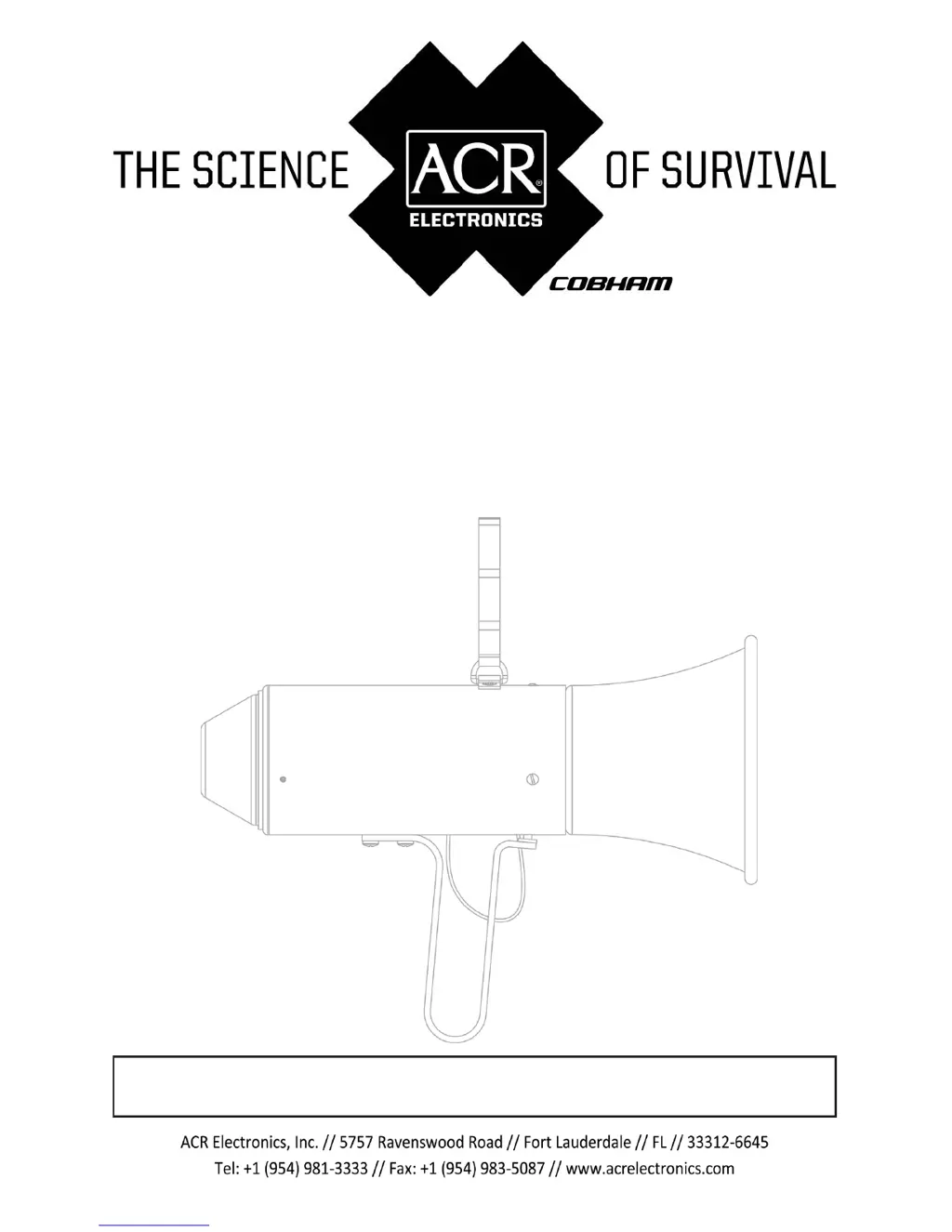
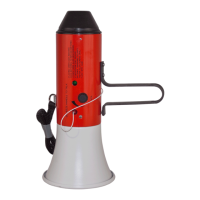
Portable Safety Megaphone
FAA PMA Approved under A3-06-1402-
Product No. 2204, 2208
Y1-03-0014 Rev. Y
(25-60-01)
The technical data in this document (or file) is controlled for export under the Export
Administration Regulations (EAR), 15 CFR Parts 730-774, ECCN: EAR99. Violations of these
laws may be subject to fines and penalties under the Export Administration Act.

Questions and Answers

  • G
    george11Jul 31, 2025
    Why is the sound abnormally low or distorted on my ACR Electronics ACR-EM-1A - REV Y Horn?
    • J
      James OlsonJul 31, 2025
      The sound from your ACR Electronics Horn might be abnormally low or distorted because the batteries are exhausted or there is wrong polarity of battery series. Check the proper insertion of batteries or replace them.
  • K
    Kathryn CostaAug 7, 2025
    What to do if there is no sound from the speaker when handle is squeezed on ACR Electronics ACR-EM-1A - REV Y Horn?
    • D
      derekscottAug 7, 2025
      If there is no sound from the speaker when the handle is squeezed on your ACR Electronics Horn, it could be due to exhausted batteries, a defective microphone, speaker, or amplifier assembly. Replace the defective component to resolve this issue.
  • R
    Robert FisherAug 14, 2025
    What to do if the speaker does not respond to Step 5 on my ACR Electronics ACR-EM-1A - REV Y Horn?
    • W
      willie06Aug 15, 2025
      If the speaker does not respond to Step 5 on your ACR Electronics Horn, it probably means the speaker is defective. Replace the speaker.
  • J
    Jared GarciaAug 22, 2025
    What to do if there is no siren when alarm pin is pulled on ACR Electronics Horn?
    • C
      Christy RobbinsAug 22, 2025
      If there is no siren when the alarm pin is pulled on your ACR Electronics Horn, the batteries may be exhausted, the siren circuitry may be defective, or the amplifier may be defective. Replace the defective component.

Summary

SECTION 1 - DESCRIPTION

1.1 Options Matrix

Details differences between ACR/EM-1A and ACR/EM-1D models regarding gain, alarm, and battery monitor.

SECTION 2 - OPERATION

2.1 Battery Monitor

Describes visual and audible indicators for battery status on the ACR/EM-1 series megaphones.

SECTION 3 - MAINTENANCE

3.1 Cleaning

Instructions for cleaning the external surfaces and electrical contacts of the megaphone.

3.2 Battery Replacement

Steps for replacing the six AA batteries, including accessing cells and observing polarity.

SECTION 4 - TESTING, TROUBLESHOOTING & REPAIR

4.1 Testing

Procedure to test the megaphone's speaker and siren functionality by squeezing the handle.

4.2 Repair

Details on repairing sub-assemblies and component replacement for the megaphone.

SECTION 5 - DISASSEMBLY & ASSEMBLY

5.1 Disassembly

Step-by-step instructions for disassembling the megaphone for repair or component replacement.

5.2 Assembly

Step-by-step instructions for reassembling the megaphone after maintenance or repair.

SECTION 6 - TECHNICAL DATA

SECTION 7 - PARTS LIST

APPENDIX - WARRANTY, USEFUL LIFE, NOTICES

A.1 Limited Warranty

Details the product warranty period, coverage, and contact information for ACR Electronics.

A.2 Useful Life Policy

Explains the typical service life and servicing policy for the product.

A.3 Notices

Contains disclaimers regarding manual accuracy, copyright, and trademarks.

ACR Electronics ACR-EM-1A - REV Y Specifications

General IconGeneral
BrandACR Electronics
ModelACR-EM-1A - REV Y
CategoryHorn
LanguageEnglish

Related product manuals