EasyManua.ls Logo

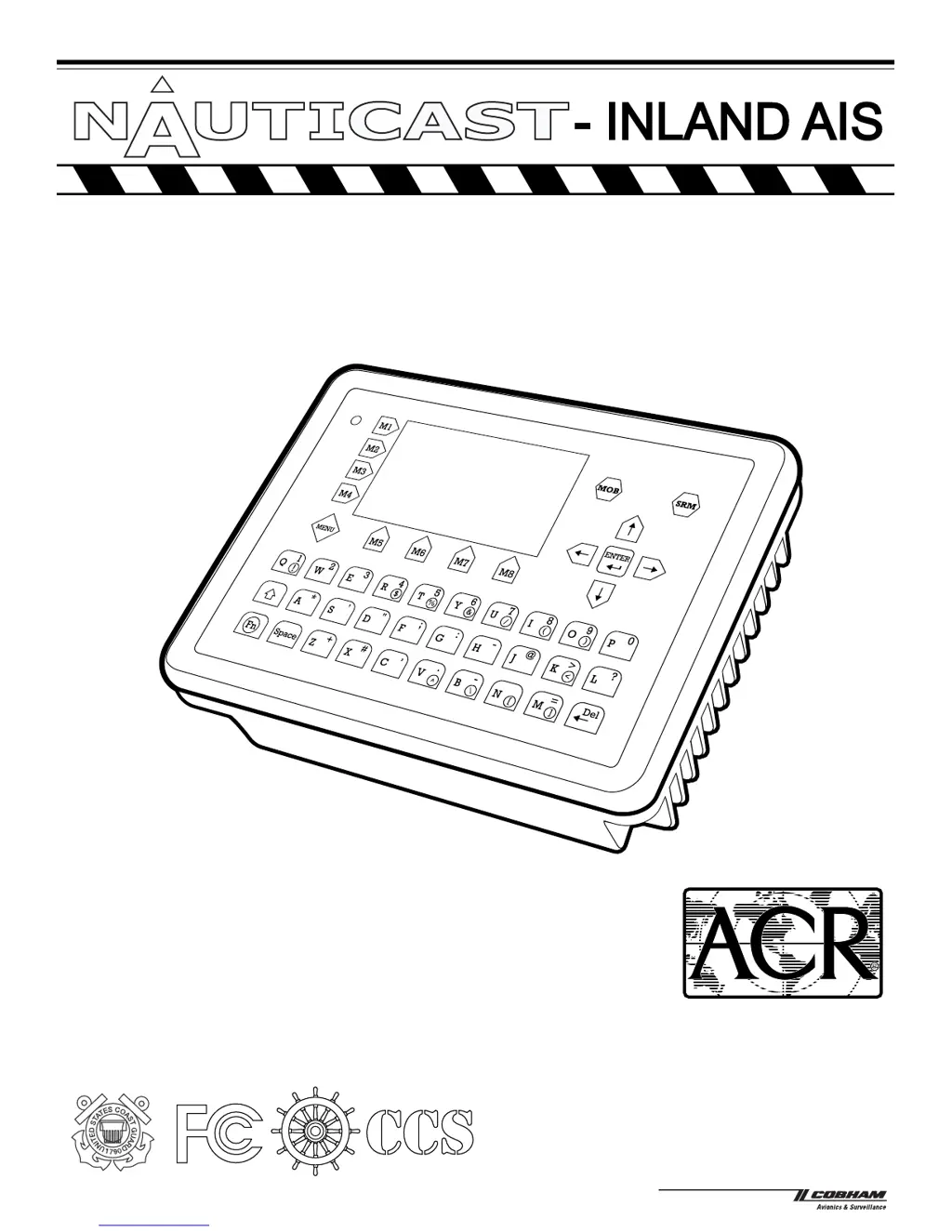
ACR Electronics NAUTICAST inland AIS - User Manual

ACR Electronics NAUTICAST inland AIS
126 pages
Print Icon
To Next Page IconTo Next Page
Loading...
User Manual
P/N 2662
AUTOMATIC IDENTIFICATION SYSTEM - INLAND
ACR Electronics, Inc.
5757 Ravenswood Road
Fort Lauderdale, Fl 33312
+1(954) 981-3333
Fax +1 (954) 983-5087
www.acrelectronics.com
Email: Info@acrelectronics.com
Y1-03-0211

Table of Contents

Other manuals for ACR Electronics NAUTICAST inland AIS

Questions and Answers

Summary

Starting the NAUTICAST

1.1 Initial Set Up of the NAUTICAST for operation

Outlines the initial setup process, including data entry and password configuration.

1.2 Entering the MMSI; IMO; DAC; ESN Numbers

Details how to input essential identification numbers via the Service Configuration menu.

1.3 Entering Ship Settings

Guide for configuring ship details like Call Sign, Name, Length, Beam, and GPS antenna positions.

NAUTICAST User Interface

NAUTICAST Screens

Safety Functions

4.1 MOB Person over Board

Explains how to use the MOB button to send an emergency alert for a person overboard incident.

4.2 Activating the SRM Safety Related Message Button

Guide to sending Safety Related Messages (SRM) via broadcast or to specific vessels.

Troubleshooting

5.1 Reading and understanding Alarms:

Explains how to read and understand system alarms, messages, and associated codes.

5.2 Alarm Codes

Lists alarm IDs, descriptions, causes, and recommended system reactions or remedies.

ACR Electronics NAUTICAST inland AIS Specifications

General IconGeneral
BrandACR Electronics
ModelNAUTICAST inland AIS
CategoryMarine Equipment
LanguageEnglish