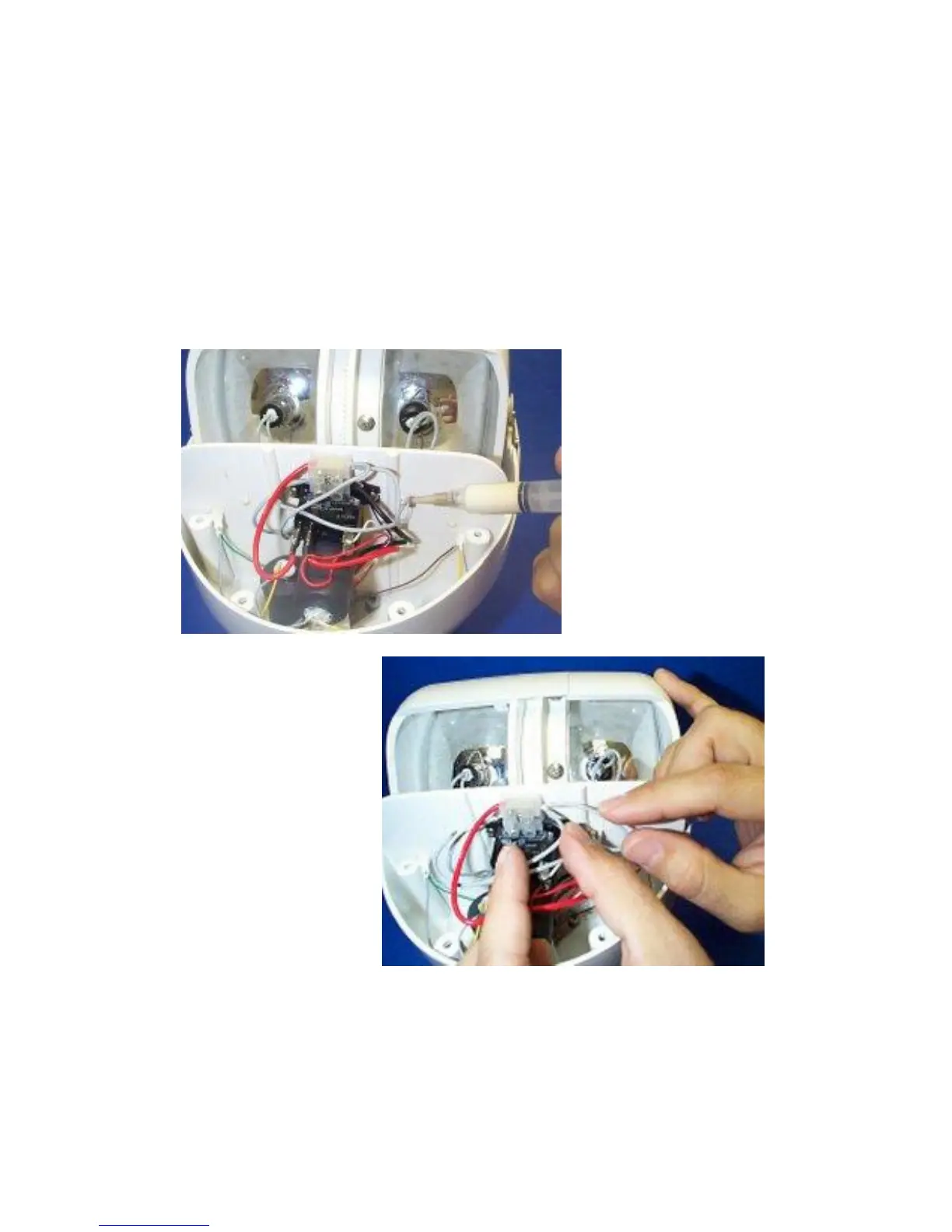
block and screw tightened securely. Gather wires together and install
new cable ties (see Figure 19).
21) Replace the top cover carefully, making sure the partition is
seated in its proper groove and the screw holes at the front match the
metal braces.
22) Reinstall the four (4) long cover screws starting from the
back and work forward, then install the two (2) top screws at each side
(total of 4). Tighten all screws securely, taking care not to over-tighten.
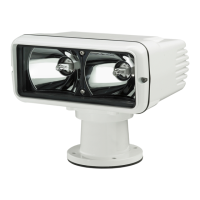
23) The light assembly is ready to be reinstalled on mount.
Reattach control cable and wire power leads. Precautions should be
taken to make power connections as water tight as possible.


 To Next Page