Automatic Partition Operations
22
Copyright © Acronis, Inc., 2000–2005
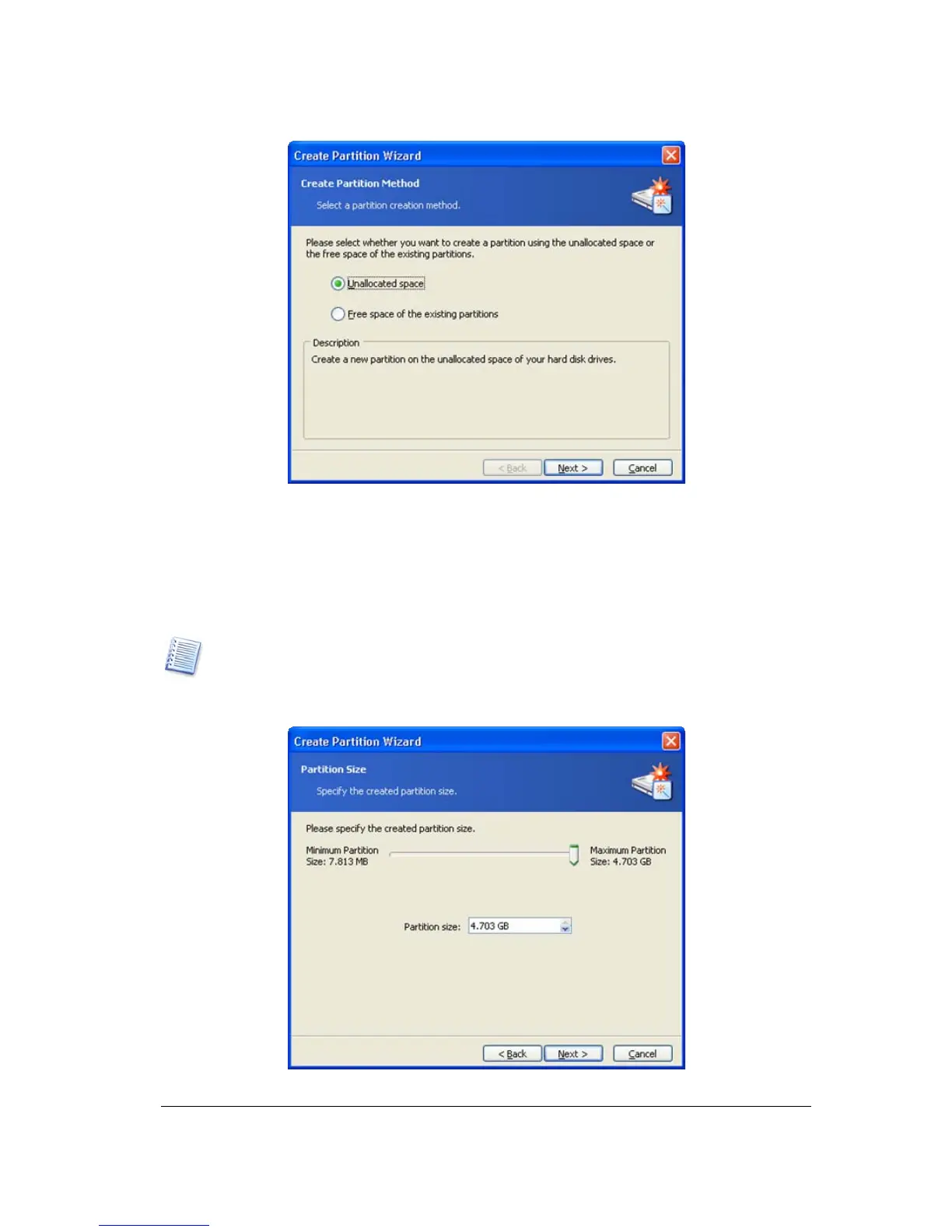
Partition creation method selection window
2. If you want to create a partition using unallocated disk space:
1. Set the switch to Unallocated space.
2. The wizard will offer to create a partition on the largest unallocated area.
For example, if you have 5 GB and 12 GB unallocated areas, the wizard will offer to
create a partition on the 12 GB area.
If you want to create a partition on the 5 GB unallocated space, you will have to re
ect the
wizard’s suggestion and simply select this area and click Create a new partition. You can do
this in the «Manual partition operations» mode.
3.
On the Partition Size wizard page, set the partition size.
New partition size window



 To Next Page