Automatic Partition Operations
28
Copyright © Acronis, Inc., 2000–2005
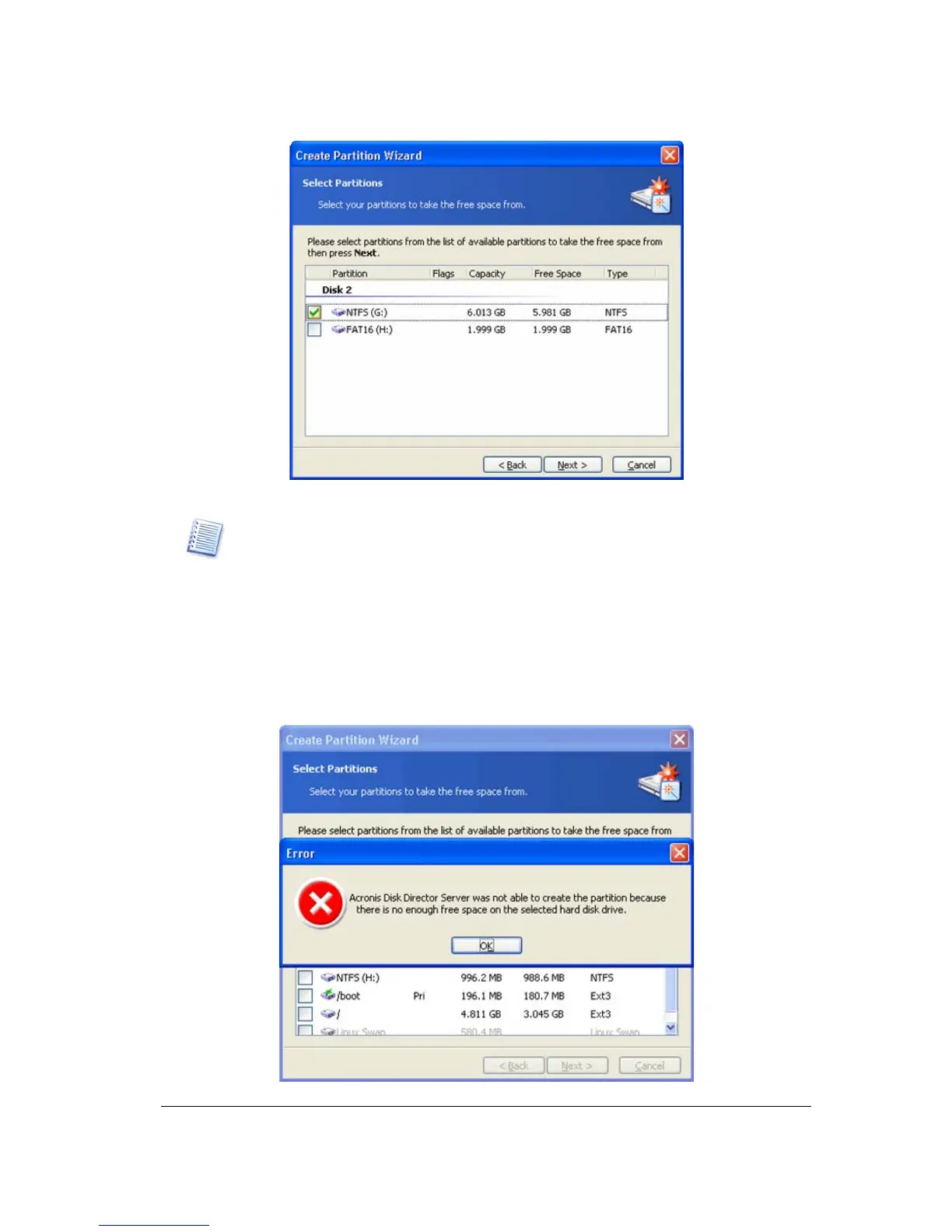
The window of existing partition selection to create a new partition
By creating a partition using the free space of other partitions, Acronis Disk Director
Server can collect it in such a way that the final partition size is not smaller than
110% of data-occupied space.
When creating a partition with the switch set to Free space of the existing partitions,
you provide a small partition size. If it is possible to create it using unallocated disk
space, the partition will be created this way; the existing partitions will not be resized.
If a partition cannot be created using unallocated space only, then the deficit will be
taken from existing partitions.
If you do not select a partition to take space from on the Select Partitions wizard page
and there is no unallocated disk space, you will see an error message:
Error message of deficient disk space for partition creation



 To Next Page