Copyright © Acronis, Inc., 2000–2005
35
Automatic Partition Operations
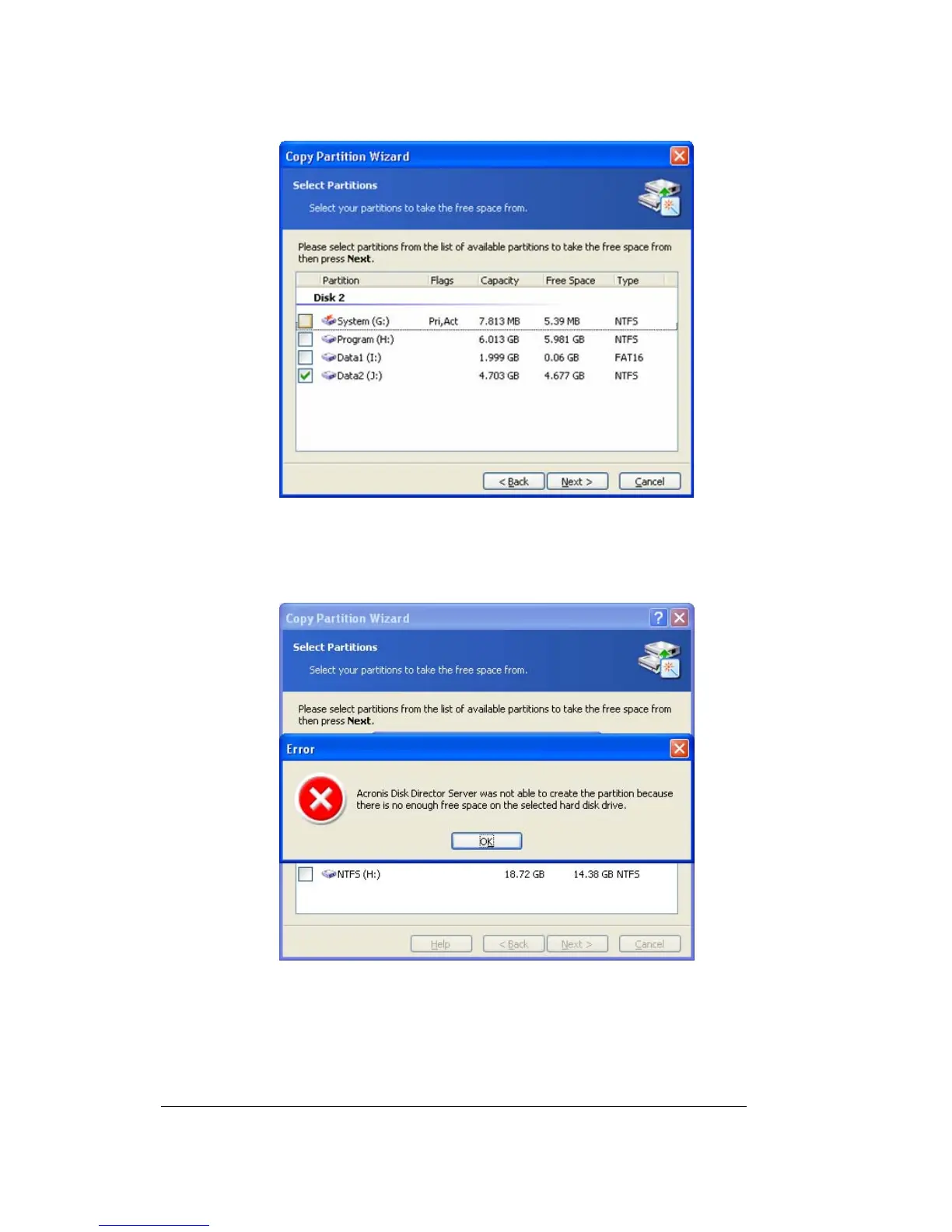
The page to select a partition, which will be partly used for a copy location
If you do not select a partition to be partly used as the copy location on the Select
Partitions wizard page and there is not enough unallocated disk space, you will see an
error message:
Error message showing not enough disk space for a partition copy
In that case, the wizard will prompt you to select a partition from which to take some
space.
If there is not enough space, the partition will not be copied!
2. On the next Partition Size wizard page, you can provide a desired size. The wizard will
automatically determine the minimum and maximum copy size.



 To Next Page