Copyright © Acronis, Inc., 2000–2005
57
Manual Partition Operations
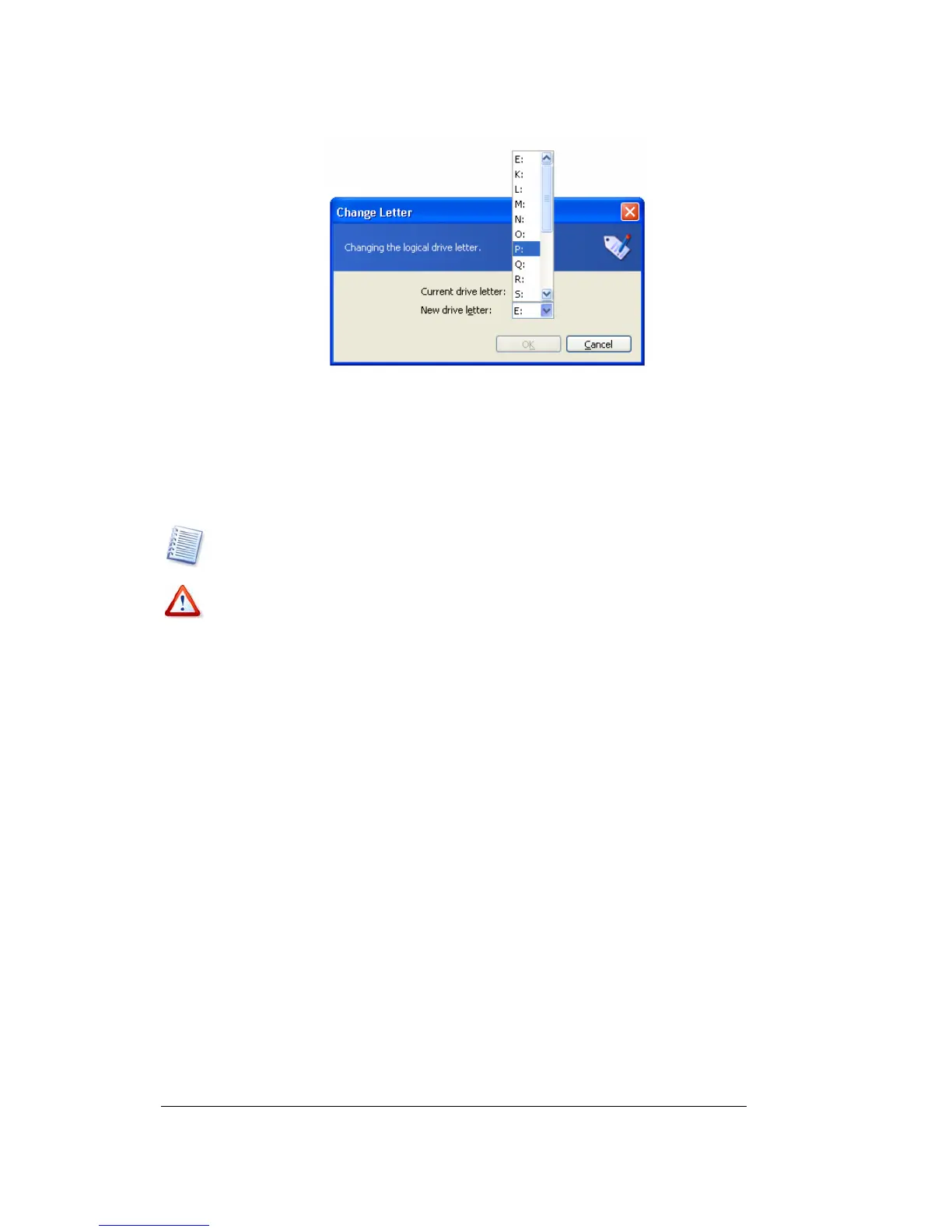
Change letter window
4. By clicking OK in the Change letter window, you'll add a pending operation to
partition letter assignment (your actions may only undo or modify already existing
operation; see
3.4.5 «Modifying pending operations»).
The new partition structure will be graphically represented in the Acronis Disk Director
Server main window.
Only Windows NT/2000/XP lets you change letters assigned to partitions. Windows 98/Me
assigns letters to partitions automatically.
Directly changing a partition letter might affect shortcuts to existing partitions. Changin
a
partition letter in Windows NT/2000/XP might result in problems running applications and
openin
files on the partition. If it is a system or swap file partition, it mi
ht cause OS boot
problems. A detailed discussion of partition letter assi
nment rules for various operatin
systems appears in 4.1 «Creating A New Partition».
5.2.2 Converting a file system
FAT16
The main
disadvantages
of FAT16 are:
• Inability to support partitions larger than 2 GB
• Inability to work with files larger than 2 GB
• Inability to work with hard disks larger than 8 GB
• Limited root size — up to 512 elements
• File names containing up to eight name symbols, a dot and three extension
symbols (Windows NT do not have this limitation)
FAT32
The FAT32 file system appeared in Windows 95 OSR2 and is supported by Windows
98/Me and Windows 2000/XP.
Its main purpose was to remove FAT16 limitations. FAT32 is the evolution of FAT16.



 To Next Page