710-00002.5
Chapter 3:
I
NSTALLATION
3.1
Charger Unpacking and Inspection
Upon receipt of a Quantum charger, ensure that there is no physical damage to the chassis, the
display, or the DC cables. If any damage is apparent, contact the shipping carrier.
WARNING:
Do not install or operate the charger if it has any
visible damage.
3.2
Needed Tools (NOT SUPPLIED)
Note:
The hardware for wall, stand, or floor installation is
not provided. Use appropriate hardware based on
the surface you have.
• Phillips head screwdriver
• To program the Charger:
o Option I: Using USB cable (recommended)
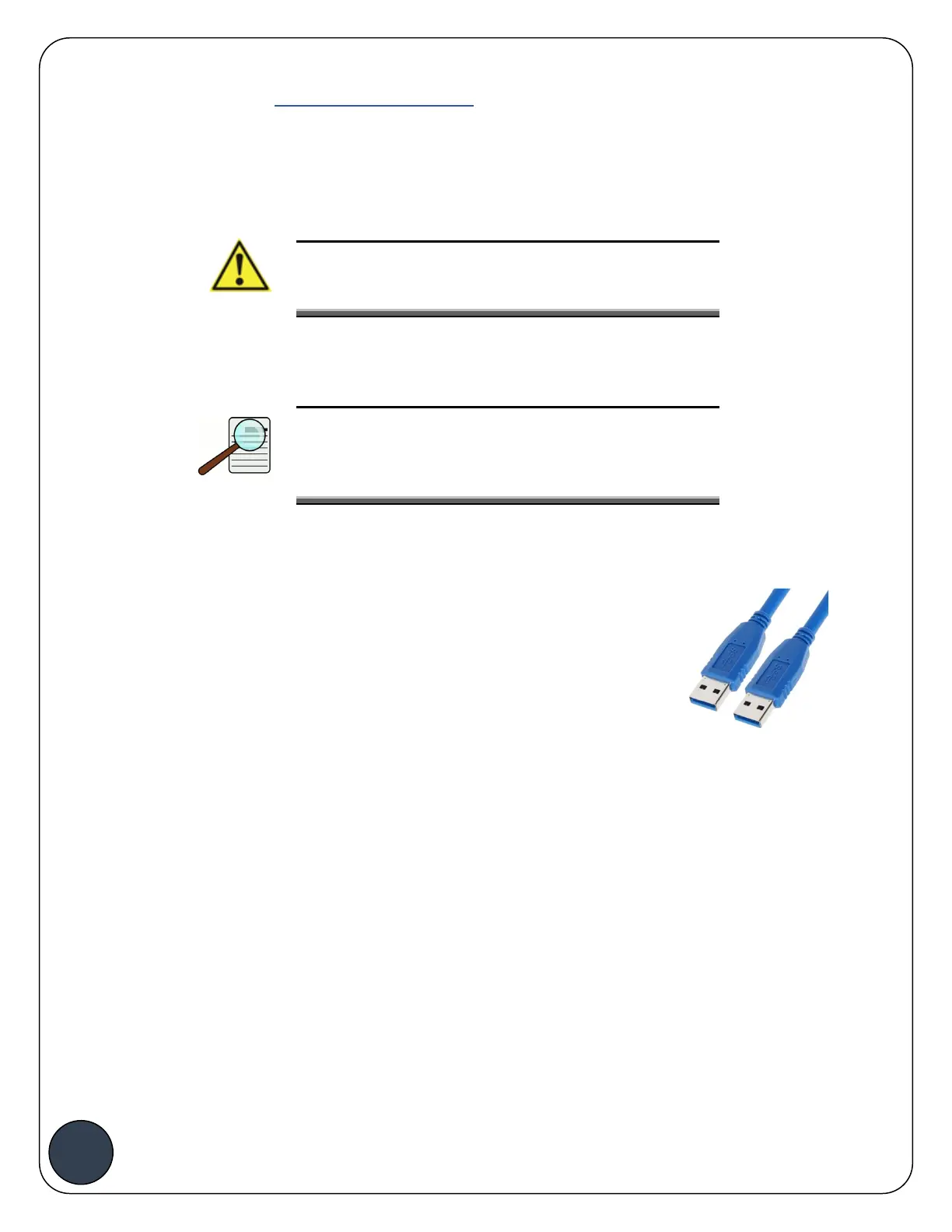
§ Type A Male USB cable
§ ACT Windows tablet or Windows laptop with ACT-Link
software installed
o Option II: Through Wi-Fi connection
§ ACT Mobile Router
§ ACT Windows tablet or Windows laptop with ACT-Link software installed



 To Next Page