USER MANUAL 750000992/16
5-39
MTS
e
Macro
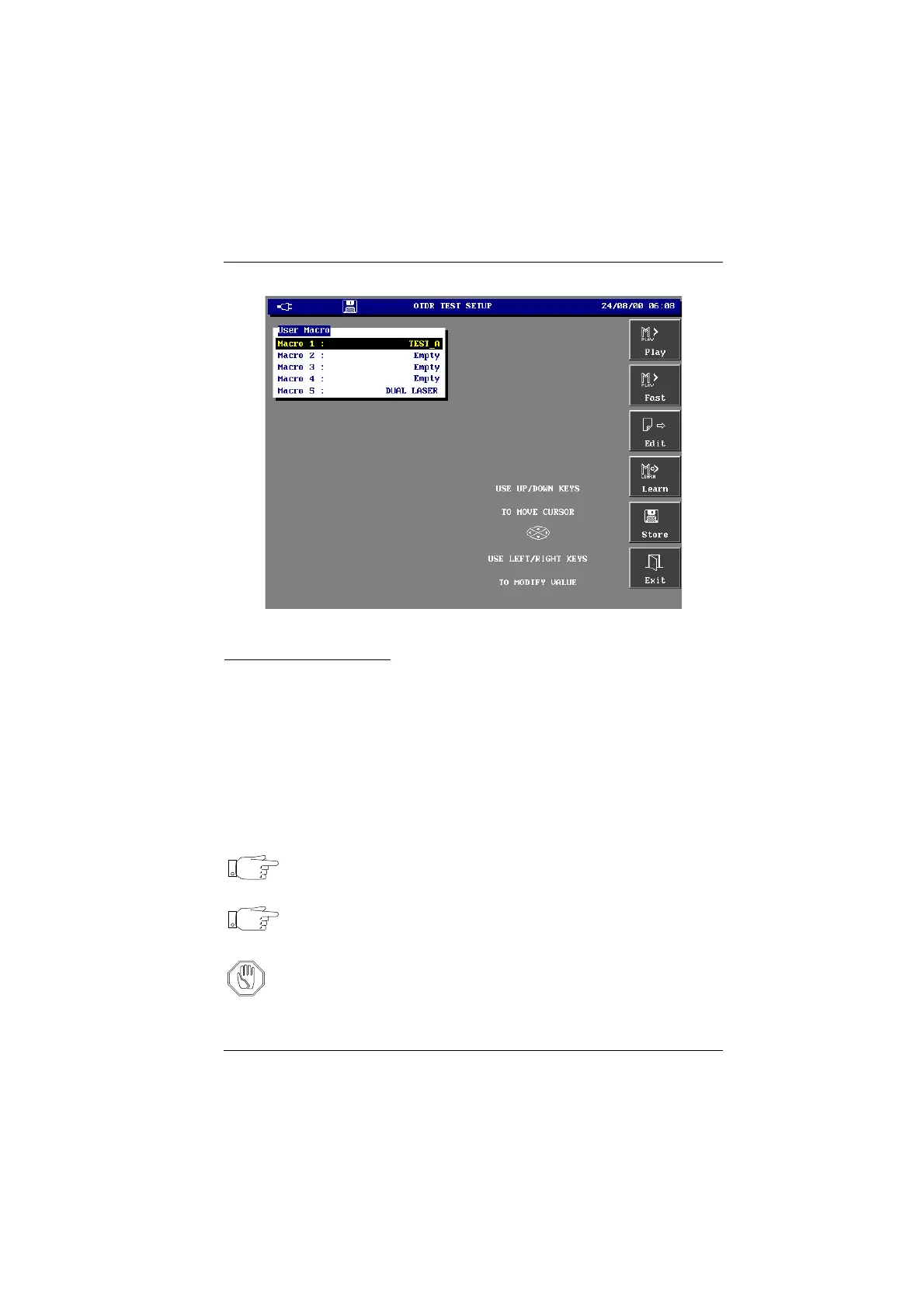
Macro menu
Starting a macro (Play)
• Press the SET-UP, then the <Macro> key.
The Macro menu appears.
• Select the macro to use
• Press the <Play> key if you want to execute the actions with the same delay
as when creating the Macro; press the <Fast> key to execute the successive
actions of the Macro without any delay.
1. For the user macros (1 to 4), the configuration of the MTS
e
is restored, like it
was when the macro was created.
2. All the actions saved in the macro will be executed (the delay between actions
has been saved).
Note Pressing one of the keys interrupts the macro.
At any time it is possible to quit the macro menu by pressing the
<Exit> key
Note The configuration of the MTS
e
is not modified when the predefined
macro is played.
Attention After a software up-grade the macros previously created may not
functions correctly if they use keys which have been modified.
Artisan Technology Group - Quality Instrumentation ... Guaranteed | (888) 88-SOURCE | www.artisantg.com



 To Next Page