USER MANUAL 750000992/16
3-9
MTS
e
After switching on
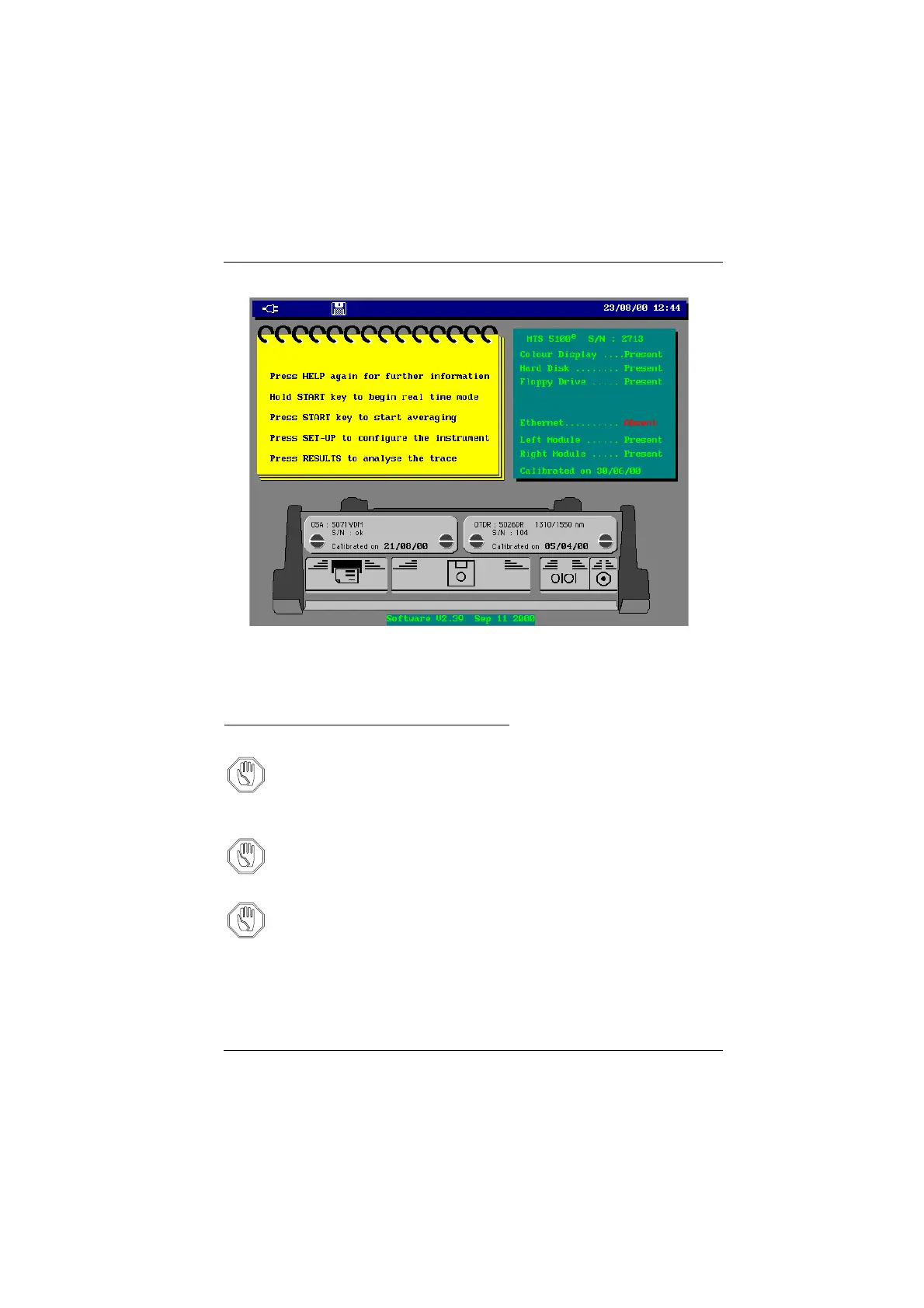
Opening screen example (MTS 5100
e
)
After switching on
Installing a new version of the software
Attention During the installation of a new version of the software, there is a
risk to reset the internal memory. It is therefore recommended,
before installing the new software, to make a copy of the traces in
memory, using the Copy option of the File manager menu, called by
the FILE button.
Attention Do not stop the process of software upgrade: you may damage the
unit.
Attention During the installation the MTS
e
must be used from the mains sup-
ply and not from batteries.
New software media
The application software is supplied on floppy disks: code 890 110 185/xx.
If the actual MTS
e
boot version is less or equal to 4.5
1
, the new boot needs to be
installed. It is then supplied on two floppy disks: code 8901 10186/xx.
Artisan Technology Group - Quality Instrumentation ... Guaranteed | (888) 88-SOURCE | www.artisantg.com



 To Next Page