4-6
USER MANUAL 750000992/16
MTS
e
Controls MTS
e
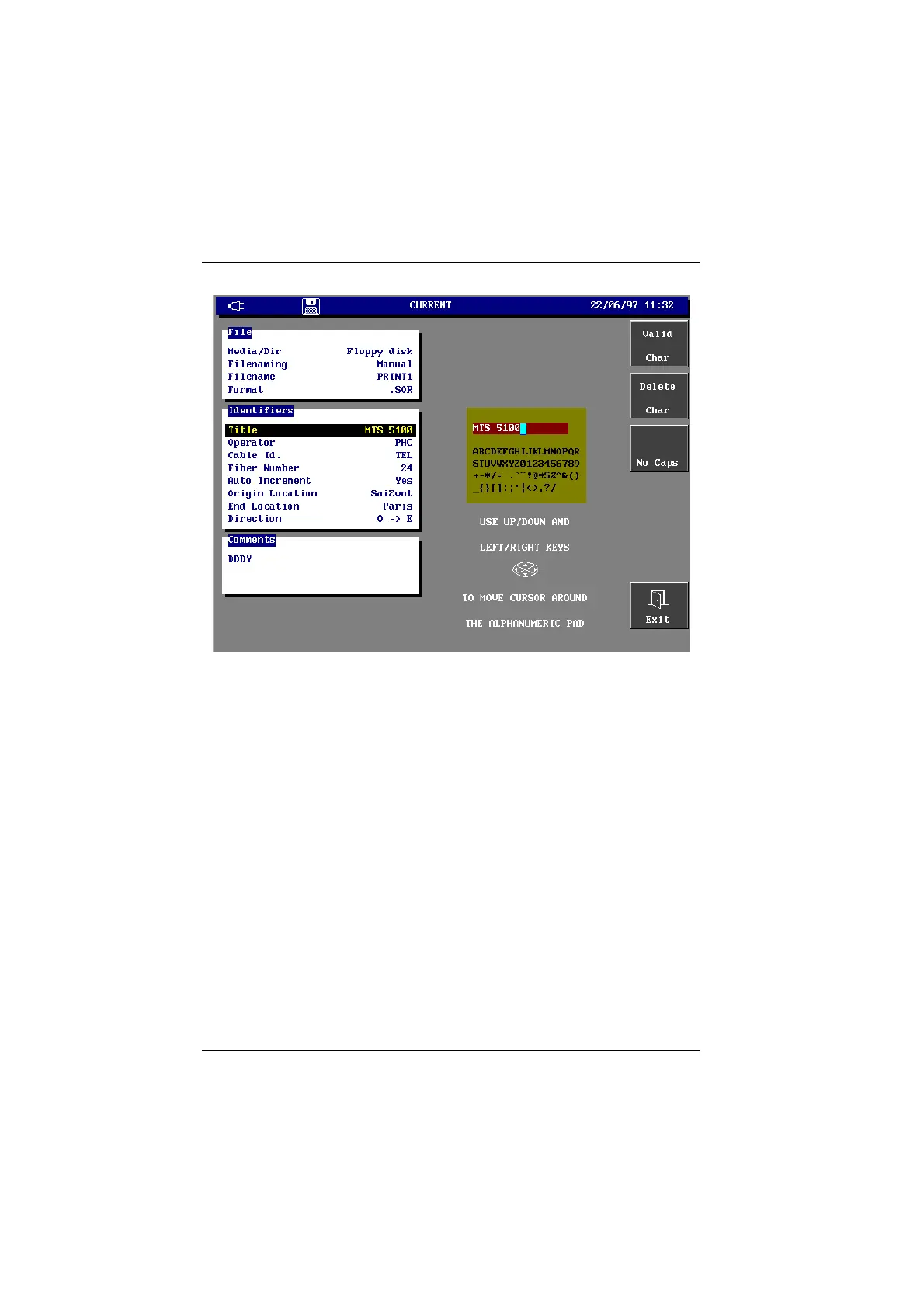
Edition menu
This menu contains:
• in the central window, the list of characters available (which can be
understood by the DOS system) and, in the upper part of this window, the
text to modify or the text that is being entered.
• on the left side, the keys:
<Valid. Char.> to select the character under the cursor.
<Delete Char.> to delete the character under the cursor.
<No Caps/Caps> to change the chosen characters from uppercase
to lowercase and vice versa.
• on the word, an underscore indicates what character is selected.
To enter text:
• Press the <No Caps/Caps> key, to change the characters proposed from
uppercase to lowercase and vice versa if necessary. This option is not valid for
the file name which are always in capital letters.
• Using the directional arrows position the cursor on the first letter required.
• Press the <Valid. Char.> key.
• The character appears in the upper frame.
• Repeat the above steps for the following characters
Artisan Technology Group - Quality Instrumentation ... Guaranteed | (888) 88-SOURCE | www.artisantg.com


 To Next Page
 Loading...

