USER MANUAL 750000992/16
5-13
MTS
e
Acquisition
Note You can push the START STOP key at any time to stop the acquisition
measurement. If you do this, an automatic measurement is realized
but certain events may not be detected because the instrument will
not have made the required number of averages for an optimum
measurement.
Case of the multi-wavelength acquisition
With a multi-wavelength module, to start the acquisition on each wavelength:
• In the Test S e t- up menu, on the Laser line, select All.
• Start the manual ou automatic acquisition pressing the
START button.
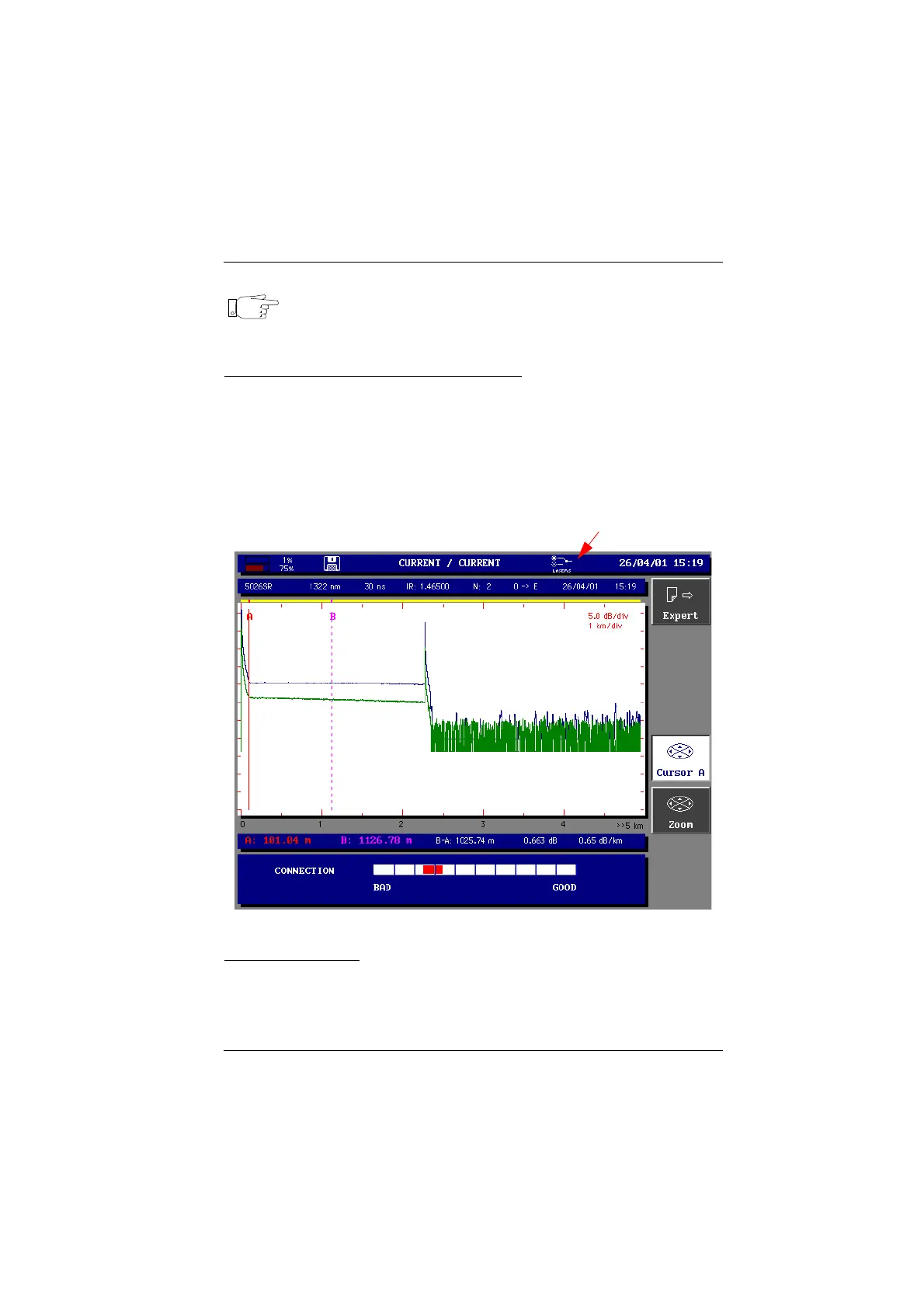
During the acquisition an icon in the upper bar shows that the acquisition is
made on each wavelength.
The several traces are displayed in the same windows and can be used as in the
overlay trace mode (see "Overlay trace function" on page 5-28).
Example of acquisition on two wavelength
Detection of traffic
If the fiber connected to the MTS
e
for analysis is active, no measurement is
possible. The MTS
e
is fitted with a traffic detector which, in this case, displays a
message indicating the presence of a signal in the fiber being tested. You must
then:
Multi-acquisition icon
Artisan Technology Group - Quality Instrumentation ... Guaranteed | (888) 88-SOURCE | www.artisantg.com



 To Next Page