5-12
USER MANUAL 750000992/16
Using an OTDR module MTS
e
Use the following procedure to configure your manual acquisition in the OTDR
TEST SETUP window (refer to "Selecting measurement acquisition parameters"
on page 5-3):
1. Select the Laser wavelength with the Acquisition:Laser option.
2. Select the Manual mode with the Acquisition:Mode option.
3. Select the required pulsewidth with the Acquisition:Pulse option.
4. Select the Range you require, from the options available for the length of
fiber you wish to test, Acquisition:Range option.
5. Select the Resolution value you require with the Acquisition:Resolution
option.
6. Select the acquisition period (5 seconds to 10 minutes) with the
Acquisition:Acq. Time option.
7. Press the
START STOP key to start the acquisition.
The red laser activity LED is on to indicate that the MTS
e
is making an
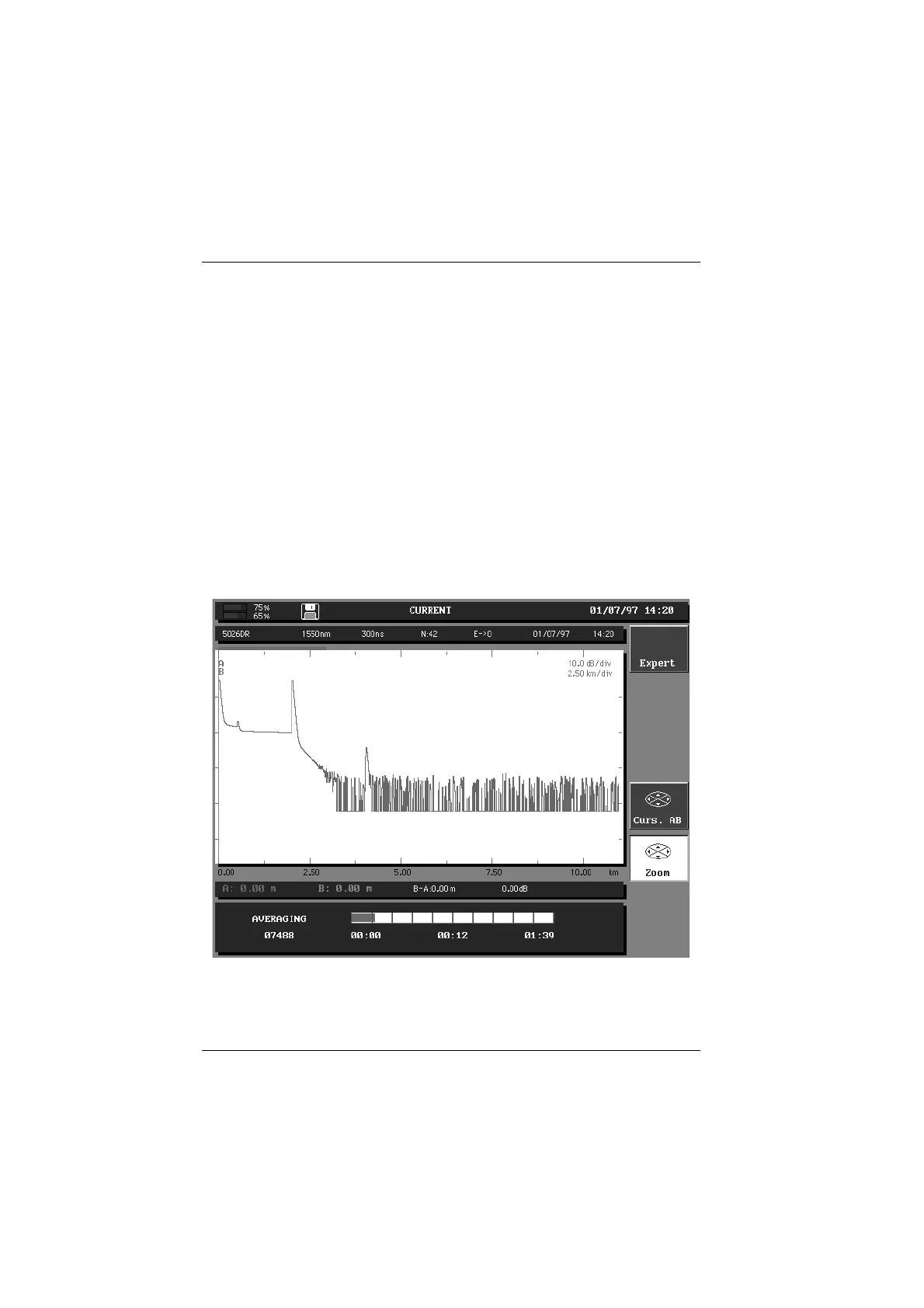
acquisition and the screen shows the acquisition of the trace as it is made. The
quality of the connection is shown for a few seconds and an acquisition status
indicator is also displayed on the screen to indicate the time remaining to
complete the acquisition.
Acquisition in progress display
8. At the end of the acquisition the acquired trace is displayed on the screen,
and an automatic measurement is performed.
Artisan Technology Group - Quality Instrumentation ... Guaranteed | (888) 88-SOURCE | www.artisantg.com


 To Next Page
 Loading...

