LEXIA3 User Guide
132 - Using the LEXIA3 package -
Using the LEXIA3
package
6.7 Diagnostics
6.7.1 Basic diagnostic process - General test
LEXIA3 enables you to dialogue with all the computers installed in the vehicle and to
perform a diagnostic on these computers. This operation is known as the
General
Test
and provides an initial indication of any computer faults or malfunctions.
To run a General Test, proceed as follows:
1. From the main menu, select
Diagnostic
and confirm.
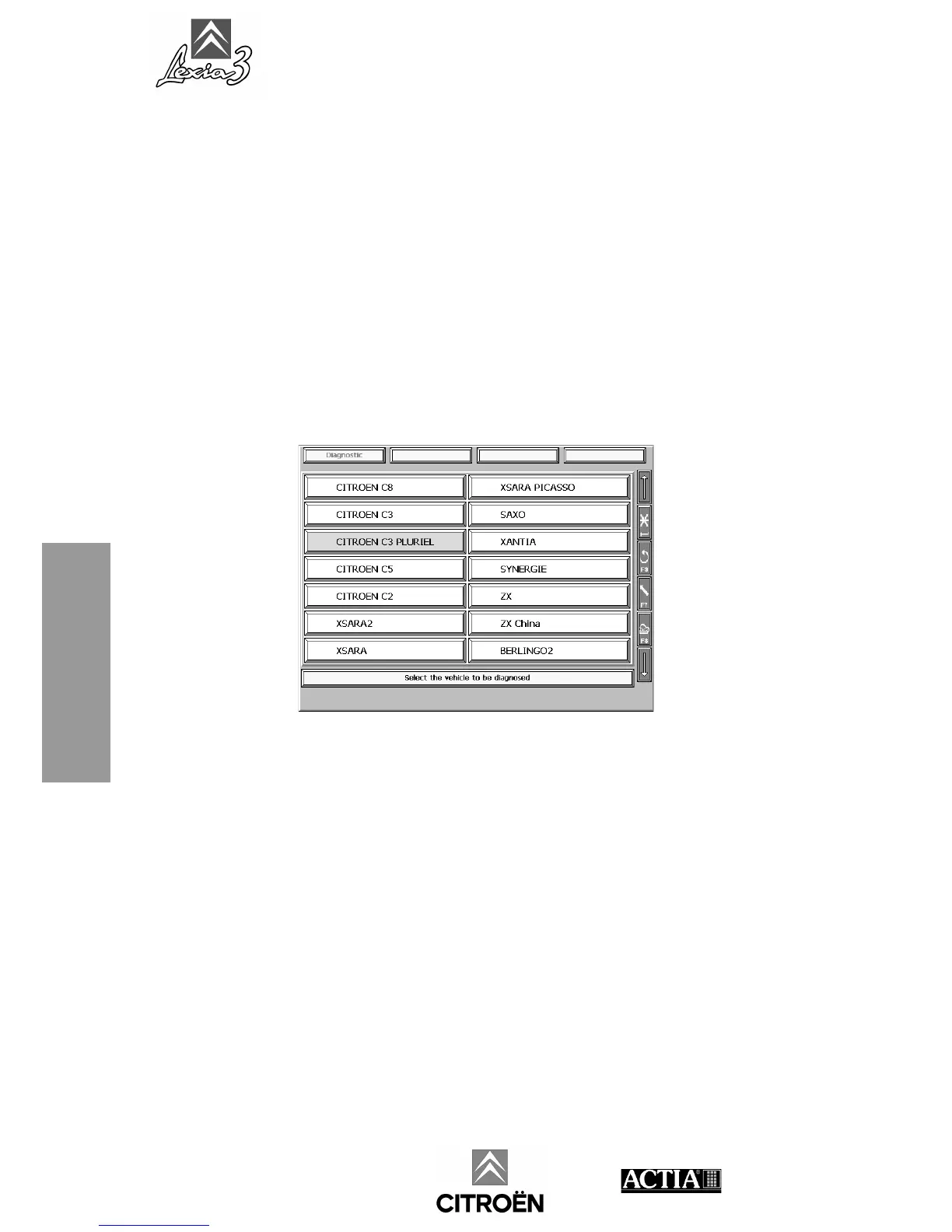
2. Select the vehicle to be tested and confirm.


 To Next Page