EasyManua.ls Logo

ACTinBlack DTNVG - User Manual

Default Icon
38 pages
Print Icon
To Next Page IconTo Next Page
Loading...
OPERATOR MANUAL
DTNVG
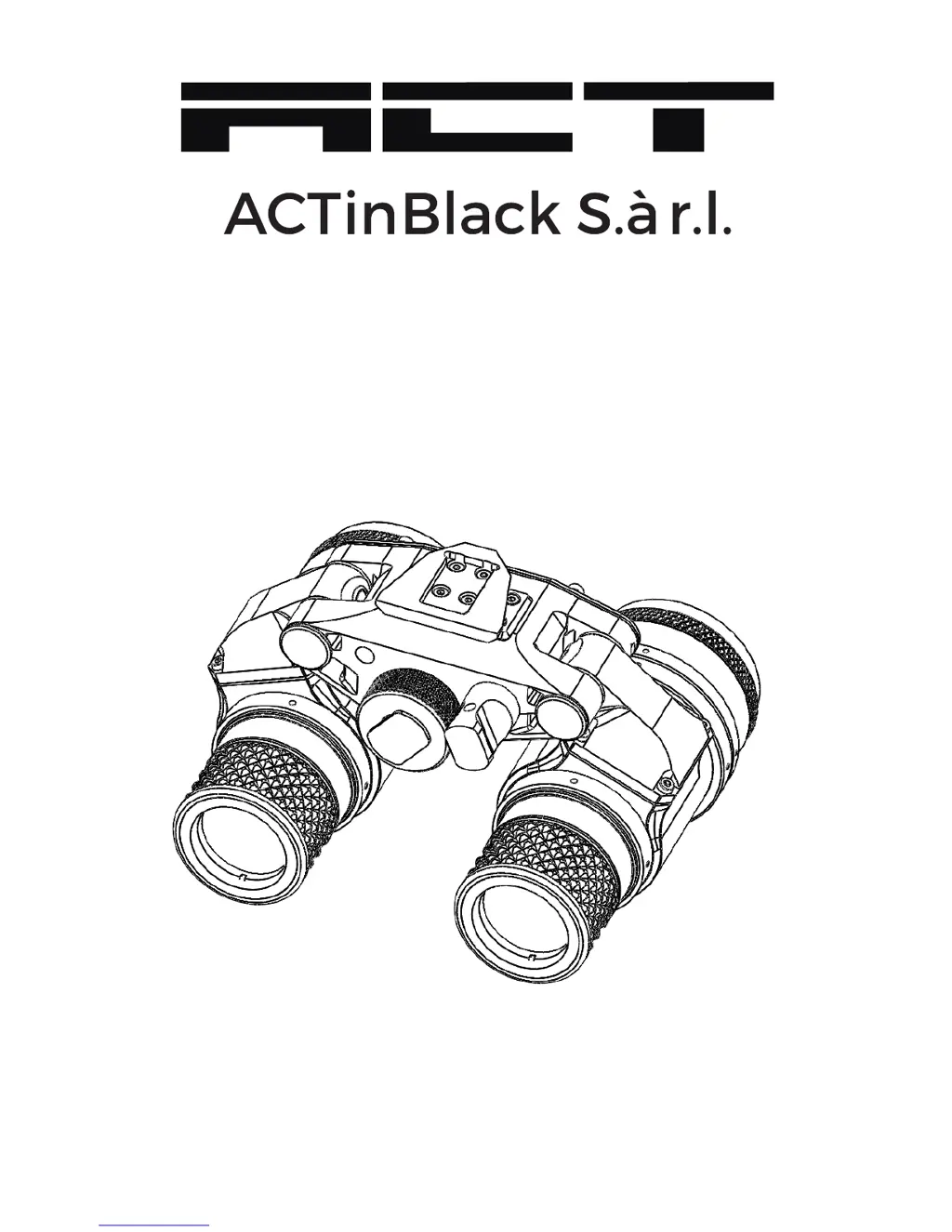
Binocular Night Vision Device

Questions and Answers

  • A
    Anthony SparksAug 2, 2025
    Why is the image quality poor in my ACTinBlack DTNVG Binoculars?
    • D
      Denise KaiserAug 3, 2025
      If you're experiencing poor image quality with your ACTinBlack Binoculars, try refocusing the binoculars first. Clean the lens surface. Also, readjust the eye relief distance for optimal viewing.
  • H
    Heather TaylorAug 9, 2025
    What to do if my ACTinBlack DTNVG fail to activate?
    • C
      Christine JamesAug 9, 2025
      If your ACTinBlack Binoculars won't turn on, switch to the RESET/OFF position, then back ON. Ensure the battery is correctly installed or replace it with a fresh one. If the binoculars still don't activate, it requires a higher level of maintenance.
  • K
    Kristin JohnsonAug 14, 2025
    What to do if the IR source fails to activate on ACTinBlack Binoculars?
    • S
      Stacy OsbornAug 14, 2025
      If the IR source on your ACTinBlack Binoculars fails to activate, it requires a higher level of maintenance.
  • V
    vwilliamsAug 20, 2025
    What to do if I cannot adjust the dioptre on my ACTinBlack DTNVG Binoculars?
    • D
      Diana JohnsonAug 20, 2025
      If you cannot adjust the dioptre on your ACTinBlack Binoculars and suspect damage, it requires a higher level of maintenance.
  • D
    Daniel WeberAug 27, 2025
    What to do if the IR source indicator fails to activate on ACTinBlack DTNVG?
    • N
      Nicholas RochaAug 27, 2025
      If the IR source indicator on your ACTinBlack Binoculars fails to activate, it requires a higher level of maintenance.

Summary

Chapter 1: General Information

1.4 System Performance and Data

The chart below lists the technical specifications and data of the DTNVG system.

Chapter 2: Preparation for Use

2.2 Battery Precautions

WARNING: Inspect batteries for bulging prior to use. Do not heat, puncture, disassemble, or tamper with batteries.

2.3 Battery Installation

Install one (1) AA or CR123A battery as follows: remove cap, check O-ring, observe polarity, insert battery, replace cap.

Chapter 3: Operating Instructions

3.2 Controls and Indicators

The DTNVG is designed to adjust for different users. Controls and indicators are shown in Figure 3-1 and described in Table 3-1.

3.3 Operation

Operate the binocular only under darkened conditions or use the objective lens cap for daylight conditions.

3.4 Operations with IR Source

WARNING: The IR source is a light that is invisible to the unaided eye.

Chapter 4: Maintenance Instructions

4.5 Cleaning the Optics

When cleaning of the lens is required, first blow any loose dirt or grit away from the surface of the lens.

Chapter 5: Troubleshooting

5.1 Troubleshooting Procedures

Table 5-1 lists common malfunctions that may occur with the equipment. Perform tests, inspections, and corrective actions.

Appendix B: Warranty Information

Defects after Delivery and Warranty

Subject to the following provisions, ACTinBlack warrants to Purchaser that the goods manufactured by ACTinBlack shall be free from defects in material and workmanship.

ACTinBlack DTNVG Specifications

General IconGeneral
Magnification1x
Field of View40°
Diopter-6 to +2
Resolution64-72 lp/mm
Focal Length27 mm
TypeNight Vision Goggles
GenerationGen 3
Battery LifeUp to 25 hours
Power Source1 AA battery
IR IlluminatorYes
Water ResistanceIPX7