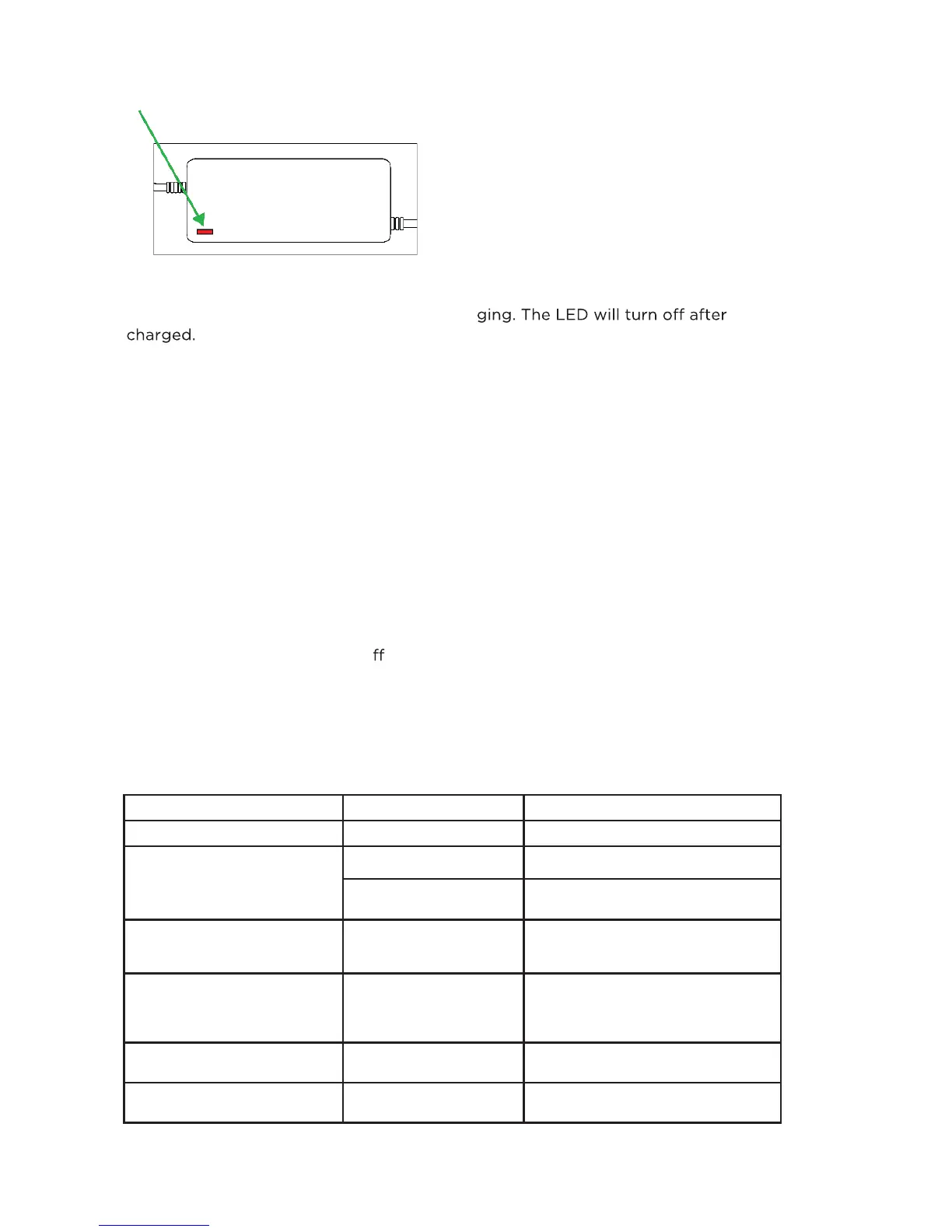
Red = Charging
6
Symptom Probable Cause
Remote lose re-sync
Solution
Won’t turn on Low Battery
Won’t go
Bluetooth not connected
Won’t charge
Charger not connected
Battery depleted
Range
t
oo low
Exceed the weight limit
Battery health dropped
Charging the skateboard is indicated by the LED indicator on the charger. The LED
will turn from red to green as it fi nishes char
being
IV. CARE & MAINTENANCE
Other maintenance
Clean the surface of ACTON BLINK® Lite V2 with a damp, but not overly wet, soft
cloth only. Store ACTON BLINK® Lite V2 in an indoor and cool environment.
Recharge the battery at least once per month and avoid contacting with volatile
liquids including Alcohol or strong cleaning agents.
V. TROUBLESHOOTING
If your ACTON BLINK® Lite V2 is not running properly, stop using it immediately. In
most cases, turning the skateboard o for 10 seconds and restarting it will solve the
issue. If you find other problems or restarting the ACTON BLINK® Lite V2 doesn’t
resolve the issue, refer to the following chart for common troubleshooting methods. If
the problem still exists, please stop using the ACTON BLINK® Lite V2and contact
ACTON.
Charge battery for at least 1 hour
Restart the remote and BLINK Lite V2
Make sure you are using the correct
charger and it is properly connected
If battery has not been charged for
MORE than one month, it may REQUIRE
an extra hour before it will recharge
ACTON BLINK Lite V2 is designed
for a person who weighs up to
180lbs
May need to replace the battery pack
Please refer to resync manual to
resync the remote



 To Next Page