05 › Syncing On The Actxa App
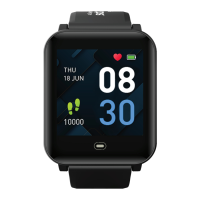
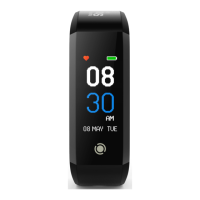
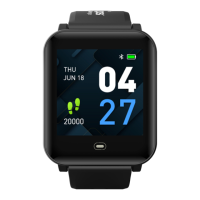
Launch the Actxa App and follow the
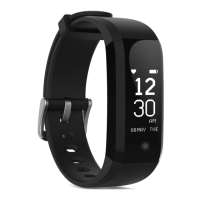
on-screen instructions to activate your Actxa
Spur+ activity tracker and pair the device with
your smartphone. Once successfully paired,
you will be able to sync all daily activity
statistics from the tracker to the Actxa App.
04 › Set Up With The Acxta App
Download the Actxa App to set up your
personal account and to activate the Actxa
Spur+ activity tracker. The Actxa App can be
installed from the App Store or Google Play.



 To Next Page