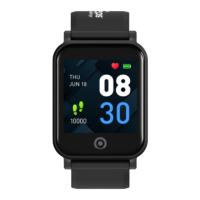
Need help?
Do you have a question about the Actxa J1810C and is the answer not in the manual?
Instructions on when and how to charge the fitness tracker, and charging time.
Guidance on locating the Bluetooth Friendly Name (BFN) for pairing a new tracker.
Instructions for entering the 4-digit code from the tracker into the mobile app.
How to view the current date and time on the tracker's screen.
Understanding how to view daily steps and distance covered by the tracker.
How to activate and use the workout tracking feature on the tracker.
Locating the device's BFN for identification and pairing purposes.
Instructions on how to properly turn off the fitness tracker.
 General
| Model | J1810C |
|---|---|
| Category | Fitness Trackers |
| Battery Life | Up to 7 days |
| Display | OLED |
| Sensors | Accelerometer, Heart Rate Sensor |
| Compatibility | Android, iOS |


 To Next Page