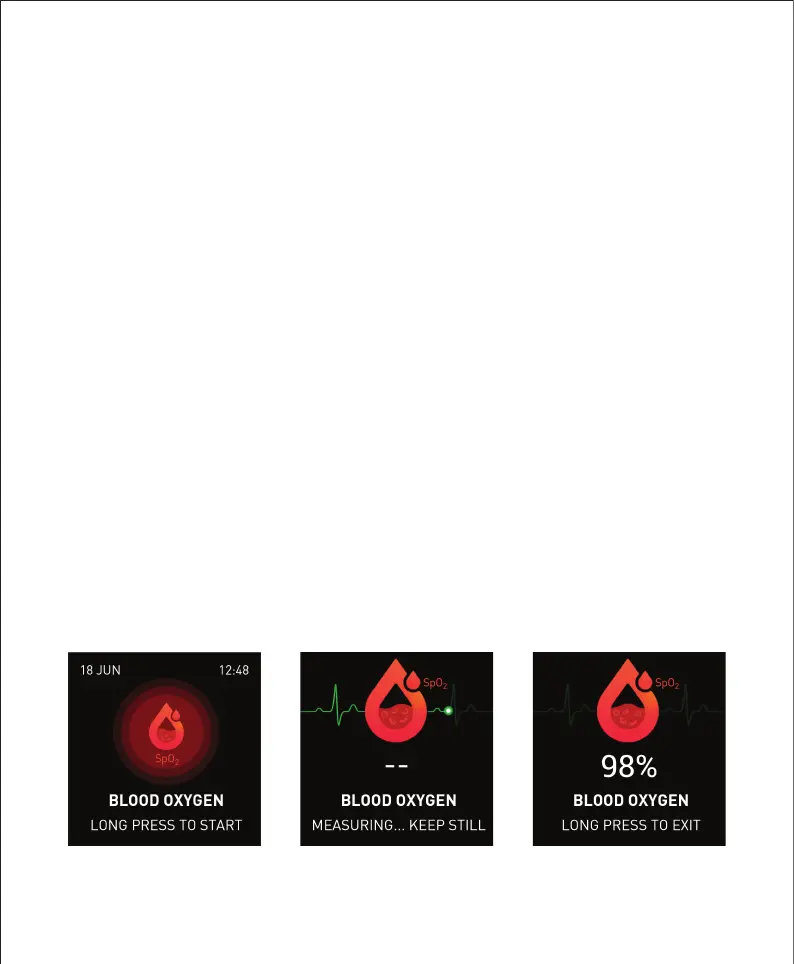
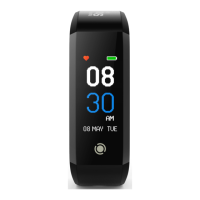
Tap the touch button on the fitness tracker until you see the
“Blood Oxygen” screen. Press and hold to start the blood
oxygen measurement.
When measuring your SpO
2
level, it is recommended that you
remain seated and still. Ensure that the fitness tracker is worn
correctly on the wrist, with the screen facing upwards.
Your blood oxygen reading should show within 1-2 minutes. To
exit the blood oxygen measurement page, press and hold.
If the fitness tracker fails to detect your blood oxygen level,
repeat the steps above to try again.
Measuring Blood Oxygen
(
SpO
2
)


 To Next Page