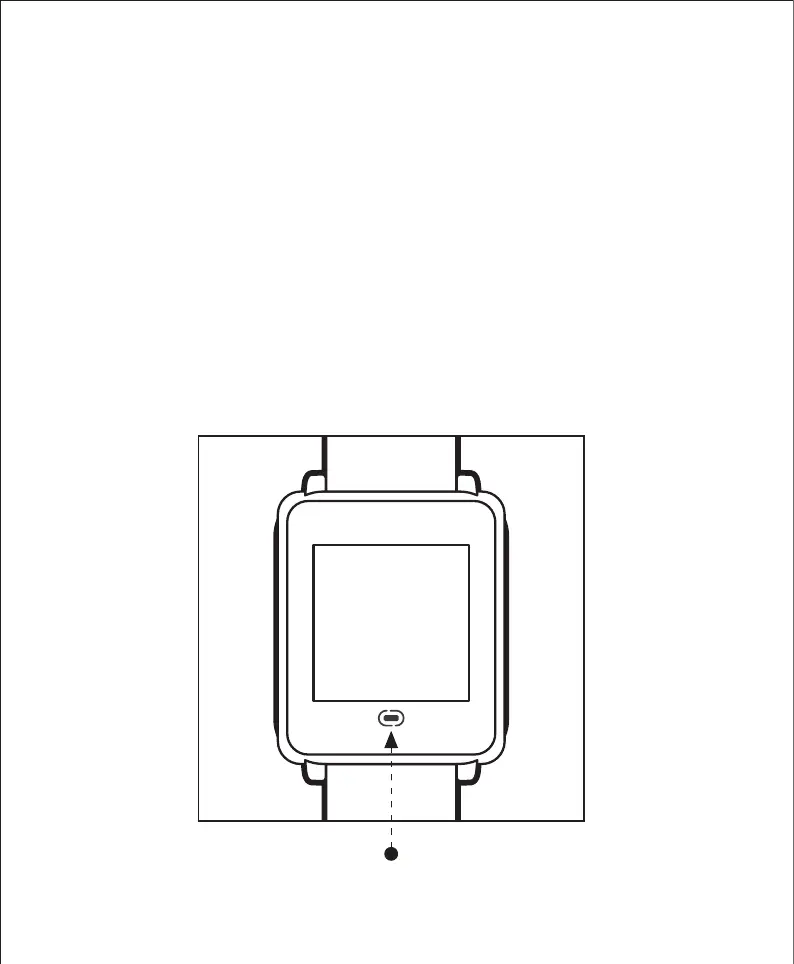
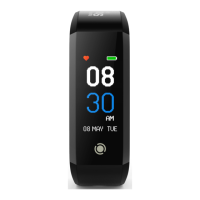
The Tempo 4C fitness tracker has been set to hibernation mode
during manufacturing to preserve the battery health. To begin,
press and hold the touch button for at least 8 seconds.
It is recommended to fully charge your fitness tracker before
you begin to use it. Refer to the section on “Charging The
Battery” for more info.
Switching On The Tempo 4C Fitness Tracker
Press and hold here for at least 8 seconds


 To Next Page