2 of 27
Acuity Brands | One Lithonia Way Conyers, GA 30012 Phone: 800.535.2465 www.acuitycontrols.com © 2014-2015 Acuity Brands Lighting, Inc. All rights reserved. 08/17/15
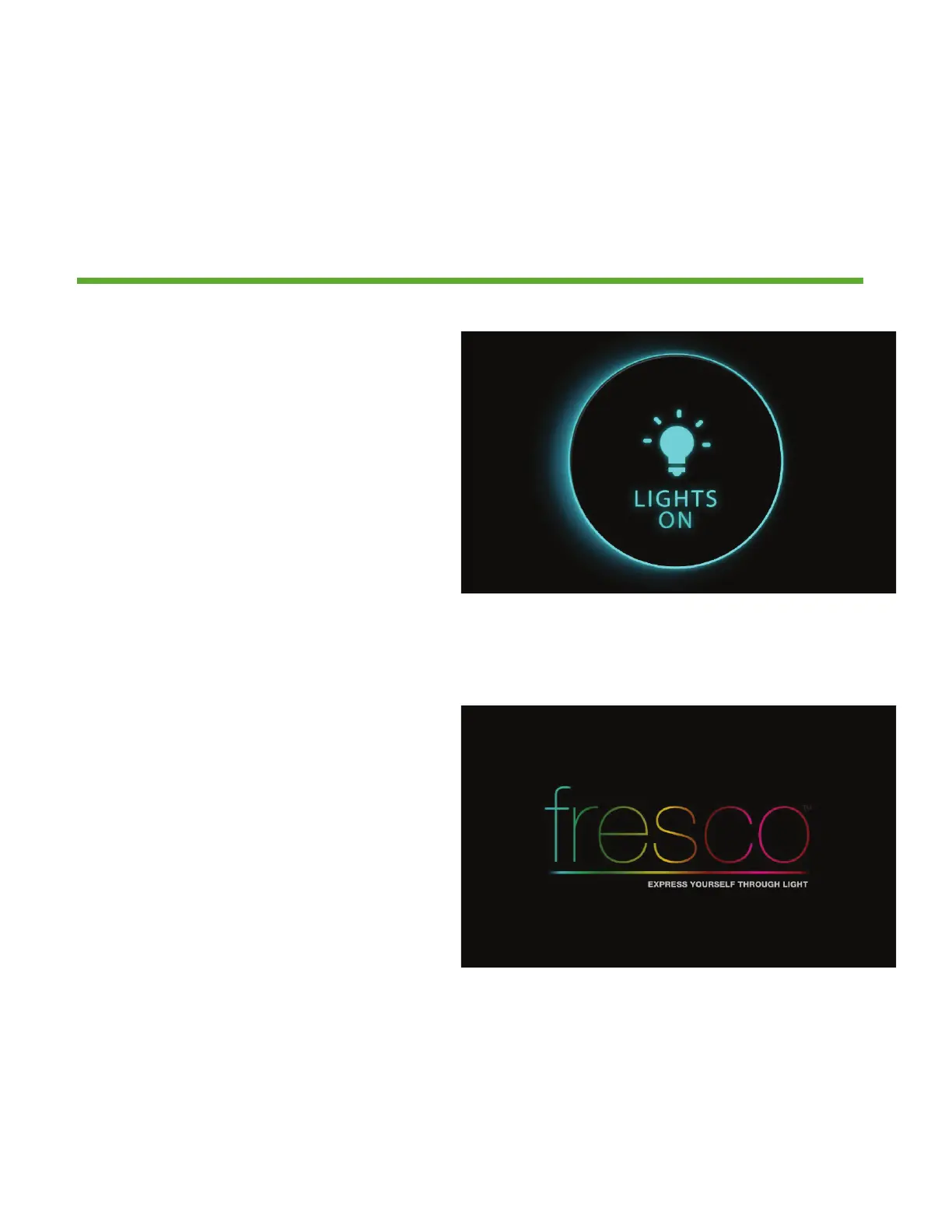
1. This screen is displayed when
the room lighting is OFF, and the
screen IR proximity sensor has been
activated
2. If the LIGHTS ON screen is not
pressed, it will dim and then go
dark after a set period of time. This
timeout can be adjusted within the
MENU>SCREEN setup
3. The FRESCO logo page will display
when the screen goes into time out.
4. The LIGHTS OUT and/or the
FRESCO logo screen settings can
be set to “not display” if desired.
This change is made within the
MENU>SCREEN setup
Overview
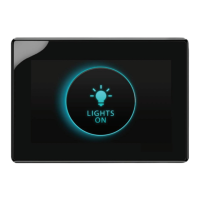
“Lights On” is what you will see when the room is off and when pressed will
activate the first lighting scene.
Lights On


 To Next Page