6 of 27
Acuity Brands | One Lithonia Way Conyers, GA 30012 Phone: 800.535.2465 www.acuitycontrols.com © 2014-2015 Acuity Brands Lighting, Inc. All rights reserved. 08/17/15
Scene Creation (continued)
Overview
Each fresco station supports up to 36 lighting scenes. Scenes can made up of
multiple lighting channels,
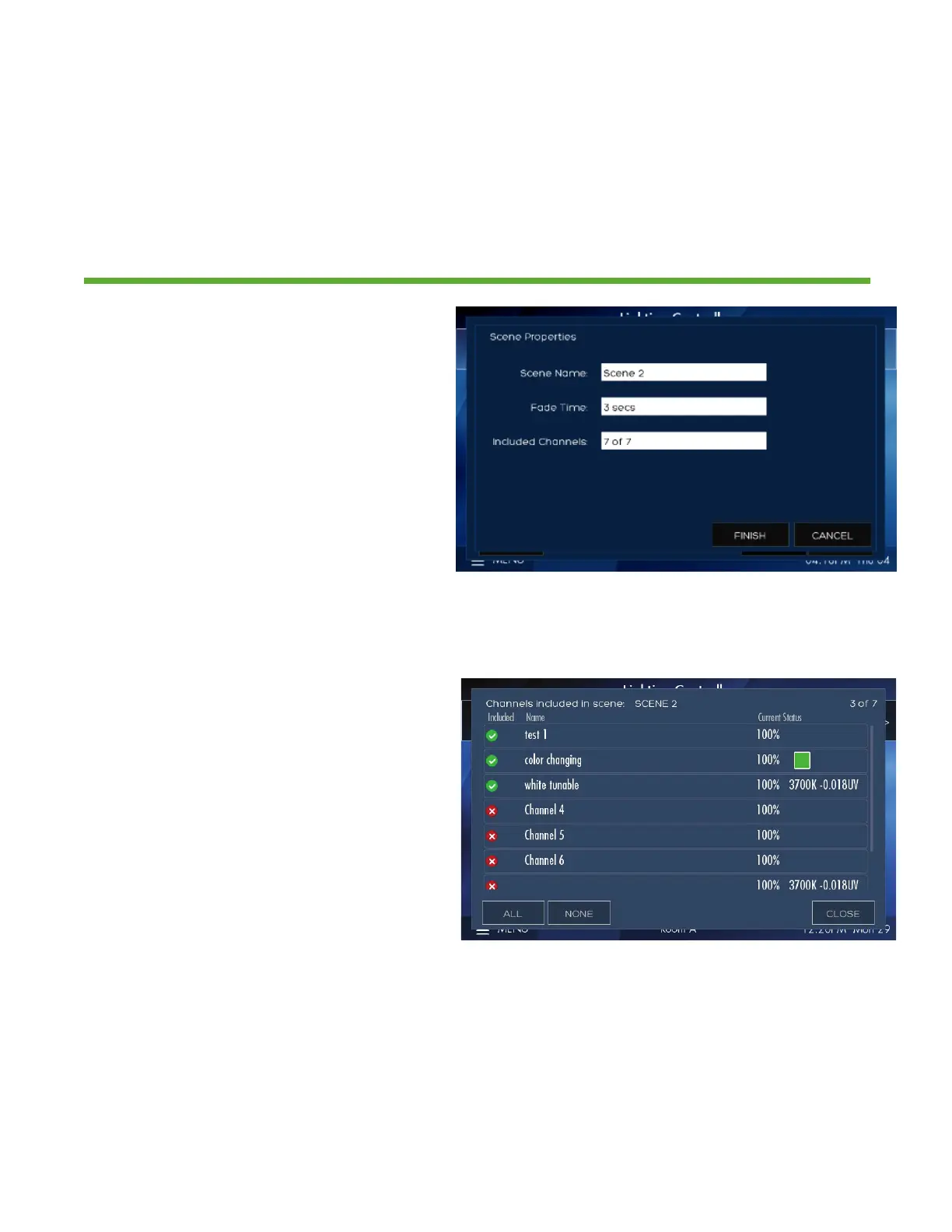
1. Create a new SCENE NAME
2. Set the transition time of the scene
with FADE TIME
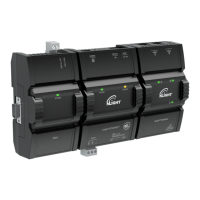
3. INCLUDED CHANNELS allows
specific lighting channels to be
included/excluded within the scene
1. Choose which lighting channels will
be included within the new scene
2. When finished press CLOSE


 To Next Page