EasyManua.ls Logo

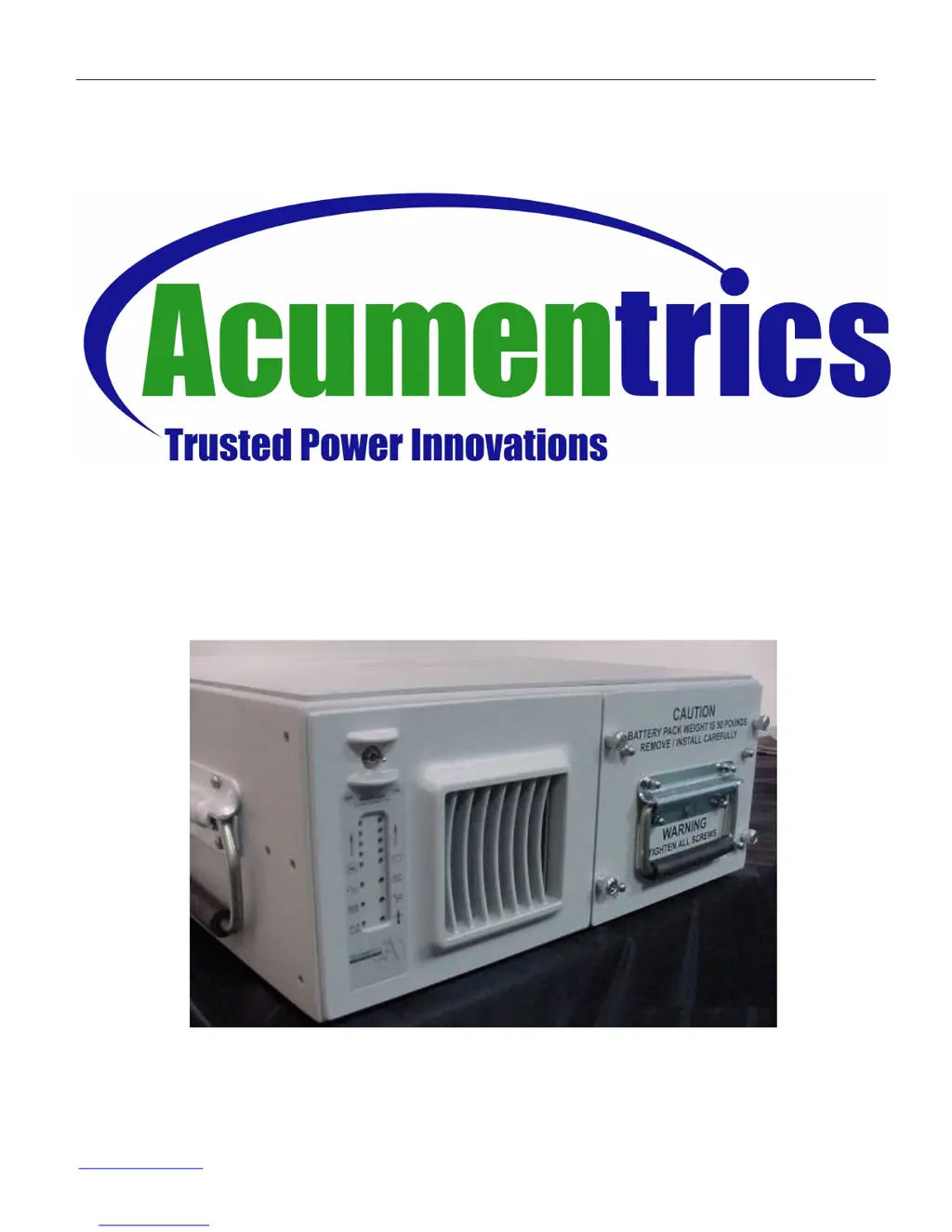
Acumentrics Rugged-UPS 2500 Series - User Manual

Acumentrics Rugged-UPS 2500 Series
33 pages
Print Icon
To Next Page IconTo Next Page
Loading...
Operator’s Guide for Rugged-UPS 2500 Series
Part Number: 91-0063 Rev. F 9/15/09
Page 1 of 33
www.acumentrics.com
20 Southwest Park Westwood, MA. 02090
Phone: (800)-332-0277 Fax: (781)-461-1261
Rugged-UPS
2500 Series

Other manuals for Acumentrics Rugged-UPS 2500 Series

Questions and Answers

  • C
    cbrownAug 1, 2025
    Why is the overload indicator illuminated and the audible alarm sounding on my Acumentrics UPS?
    • L
      luis88Aug 1, 2025
      If the audible alarm is continuously sounding and the overload indicator is illuminated on your Acumentrics UPS, it means the output load exceeds 2000W at a 0.8 power factor. To resolve this, reduce the load on the output. You can also try turning the Main Power Switch to the OFF position, removing externally connected load devices, and checking if the load is damaged. Finally, flip the Main Power Switch back to the ON position.
  • K
    karabakerAug 4, 2025
    How to fix an Acumentrics UPS that does not turn on?
    • J
      Jennifer AndersonAug 5, 2025
      If your Acumentrics UPS unit does not turn on or unexpectedly shuts off, try the following: * Remove the battery and verify the AC source. * Ensure the circuit breaker is in the ON position. * Flip the Main Power Switch to the ON position. * Make sure the load connected to the UPS does NOT exceed the UPS Power Rating. * Verify a good battery pack module is fully inserted and secured in the UPS. * Verify the output power cable is securely connected to the UPS. * Verify the connection of the COM cable.
  • K
    Kevin WoodardAug 9, 2025
    What to do if the over temperature indicator is illuminated and the audible alarm is sounding on my Acumentrics UPS?
    • J
      Jonathan AcostaAug 9, 2025
      If the audible alarm is continuously sounding and the over temperature indicator is illuminated on your Acumentrics UPS, it means the UPS internal heat sink temperature is critically high. Make sure the UPS is not operating in an ambient temperature above 50°C. Turn the Main Power switch to the OFF position, wait for 10-15 minutes, and then flip the Main Power Switch to the ON position. Also, verify that the fan is operating properly.
  • D
    Daniel SimmonsAug 13, 2025
    What to do if the Acumentrics UPS Circuit Breaker tripped?
    • V
      Vanessa ReeseAug 13, 2025
      If the Acumentrics UPS circuit breaker tripped, turn the Main Power Switch to the OFF position. Remove any externally connected load devices from the UPS. Reset the Circuit Breaker, but do NOT hold it ON. Then, turn the Main Power switch to the ON position.
  • J
    Jason BishopAug 18, 2025
    Why won't my Acumentrics UPS switch from AC power to battery power?
    • W
      Wendy MccormickAug 18, 2025
      If your Acumentrics UPS is unable to switch from AC power to battery power, turn the Main Power Switch to the OFF position. Verify the battery pack module is fully inserted and the screws are torqued. Remove and re-insert the battery pack. Replace the battery pack with a known “fully charged” battery pack module, turning the AC breaker off to retest battery operation. Finally, flip the Main Power Switch to the ON position.
  • P
    paul49Aug 22, 2025
    Why is the battery indicator illuminated and the audible alarm sounding on my Acumentrics UPS?
    • A
      Aaron DelacruzAug 22, 2025
      If the audible alarm sounds and one of the battery indicators is illuminated on your Acumentrics UPS, restore AC power to the unit and allow the battery to charge for four hours. If there is no AC input power available and the battery pack module has little charge remaining, turn the Main Power switch to the OFF position. You can also try replacing the battery pack module with a known “fully charged” battery pack module and flipping the Main Power Switch to the ON position.
  • R
    reginachristensenAug 27, 2025
    What to do if the fan is not working on my Acumentrics UPS?
    • R
      Ronald ScottAug 27, 2025
      If the fan is not forcing air through your Acumentrics UPS unit, turn the Main Power to the ON position. Reset the AC Circuit Breaker if needed. Turn the Main Power Switch to the OFF position and then ON again. Ensure the heatsink fins are free from any foreign objects.

Summary

Operation

Controls & Indicators Overview

Illustrates and describes controls, indicators, ports, and connectors.

Operation Procedures

Details setup, start-up, shutdown, and various operating conditions for the UPS.

Non-Parallel Setup and Start-Up

Steps for setting up and starting the UPS in non-parallel configurations.

Parallel Setup Procedures

Instructions for connecting and configuring multiple UPS units in parallel operation.

Parallel Start-Up Sequence

Steps for starting up a parallel array of UPS units.

Parallel Shutdown and Hot Swapping

Procedures for shutting down parallel units and replacing secondary units without interruption.

Safety Instructions

General Warnings

Critical safety precautions regarding voltage, handling, environment, and operation.

Battery Safety and Disposal

Specific safety guidelines and disposal requirements for lead-acid batteries used in the UPS.

Warranty Information

Product Warranty Terms

Outlines the one-year warranty coverage, terms, and conditions for the UPS equipment.

Technical Specifications

General Specifications

Provides physical dimensions, weight, and general electrical input/output parameters.

Environmental and Battery Specs

Details operating/storage temperatures, humidity, and battery pack specifications.

SNMP Management

SNMP Capability and Operation

Information on SNMP v3 support, Ethernet interface, and network management parameters.

Maintenance and Troubleshooting

Battery Storage and Maintenance

Guidelines for proper storage, maintenance intervals, and recharge of UPS batteries.

Troubleshooting Unit Issues

Common UPS problems and recommended actions for diagnosis and resolution.

Troubleshooting Alarm and Fan Issues

Addresses issues related to audible alarms, indicator lights, and fan operation.

Acumentrics Rugged-UPS 2500 Series Specifications

General IconGeneral
ModelRugged-UPS 2500 Series
Frequency Range47-63 Hz
Humidity0-95% non-condensing
Input Voltage120/208/240 VAC
Input Voltage Range90-140 VAC
Output Voltage120/208/240 VAC
Transfer Time2-4 ms typical
Operating Temperature0°C to +40°C (32°F to 104°F)
Communication InterfaceRS-232, USB
CertificationsUL1778, cUL, CE, FCC
Form FactorTower
RuntimeModel Dependent - Consult Datasheet
Dimensions (H x W x D)Model Dependent - Consult Datasheet
WeightModel Dependent - Consult Datasheet

Related product manuals