Your audio system will accept
auxiliary inputs from a portable
cassette player, MP3 player, etc.
To take the system out of AUX mode,
press the AM/FM, or CD/AUX or
CD/AUX/XM (U.S. models only)
button. To return to AUX mode
while the jack is connected, press the
CD/AUX or CD/AUX/XM button.
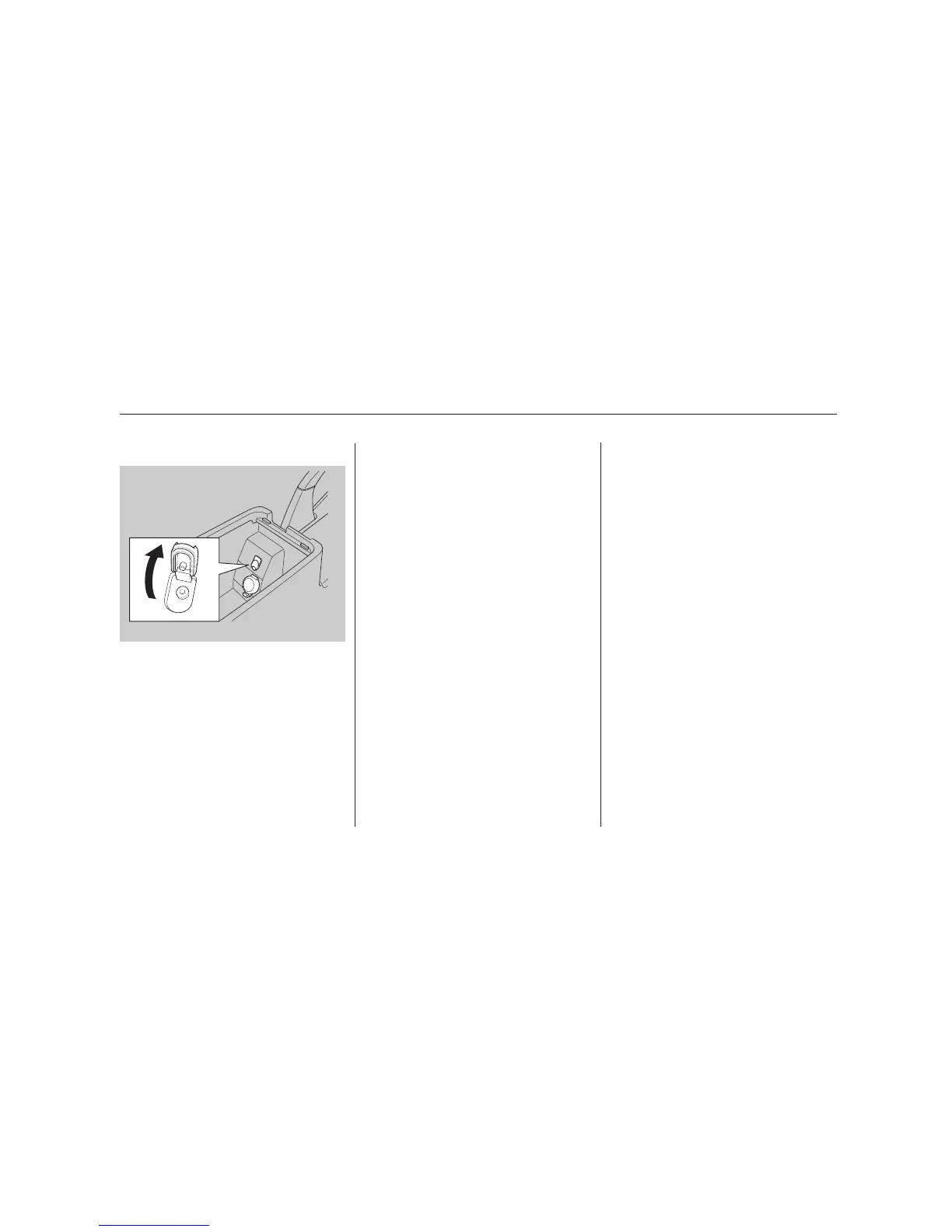
To use the jack, turn down the
volume of the portable unit, and
pivot the input jack cover up, then
plug in a mini-jack cable between the
portable unit and the jack. You will
seeAUXinthedisplayandthe
system automatically switches to
AUX mode. To adjust the volume,
turn the VOL/PWR knob.
Auxiliary Input Jack
Auxiliary Input Jack
184
07/05/17 17:13:41 31SEA640 0189



 To Next Page
 Loading...











