Audio Screen Control
H AUDIO button (in Pandora® mode)
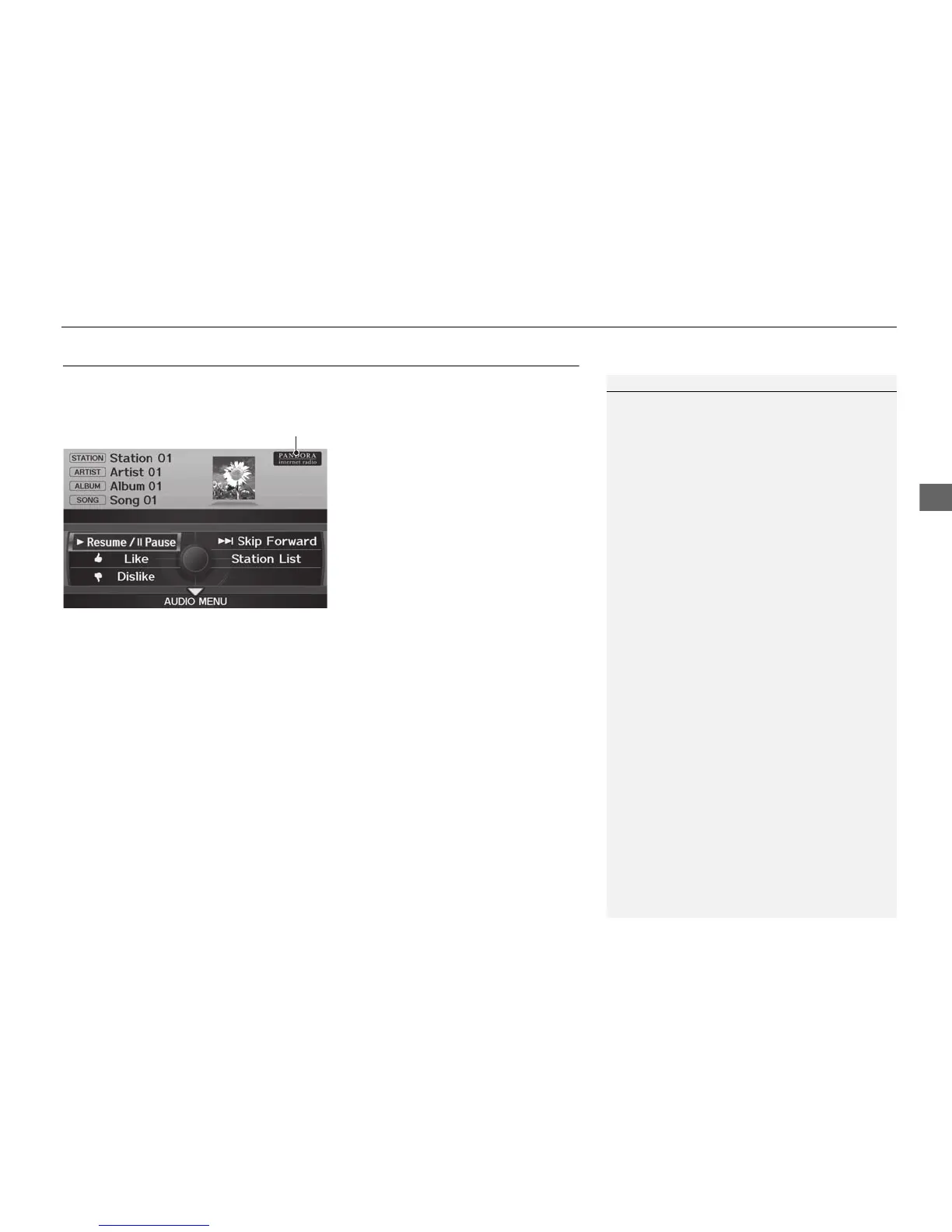
Control the audio screen through the navigation system.
Rotate i to select an item. Press u.
The following items are available:
• Resume/Pause: Resumes or pauses the current song.
• e Like: Likes the current song. Pandora® will play songs similar to the one liked.
• w Dislike: Dislikes the current song and skips to the next song. Pandora® will
avoid playing songs similar to the one disliked.
• Skip Forward: Skips the current song.
• Station List: Displays the list of all your stored stations. Select a station from the
list to play. You can also select QuickMix to play all stations randomly.
2 QuickMix P. 167
1 Audio Screen Control
The following functions are not available on this
navigation system:
• Buy from iTunes
• Email the Current Station
• Check Song Detail
• Create Station
You can skip the song only a predetermined
number of times in an hour. If exceeded, an error
message is displayed and the operation is not
performed.
For details, please visit www.pandora.com.
If you cannot operate Pandora® through the
audio system, it may be streaming through
Bluetooth® Audio. Make sure Pandora® mode
on your audio system is selected.



 To Next Page
 Loading...












