.
1Traffic Sign Recognition System
Not all signs may be displayed, but any signs posted
on roadsides should not be ignored. The system does
not work on the designated traffic signs of all the
countries you travel, nor in all situations.
Do not rely too much on the system. Always drive at
speeds appropriate for the road conditions.
Never apply a film or attach any objects to the
windshield that could obstruct the camera’s field of
vision and cause the system to operate abnormally.
Scratches, nicks, and other damage to the windshield
within the camera’s field of vision can cause the
system to operate abnormally. If this occurs, we
recommend that you replace the windshield with a
genuine Acura replacement windshield. Making even
minor repairs within the camera’s field of vision or
installing an aftermarket replacement windshield
may also cause the system to operate abnormally.
After replacing the windshield, have a dealer
recalibrate the camera. Proper calibration of the
camera is necessary for the system to operate
properly.
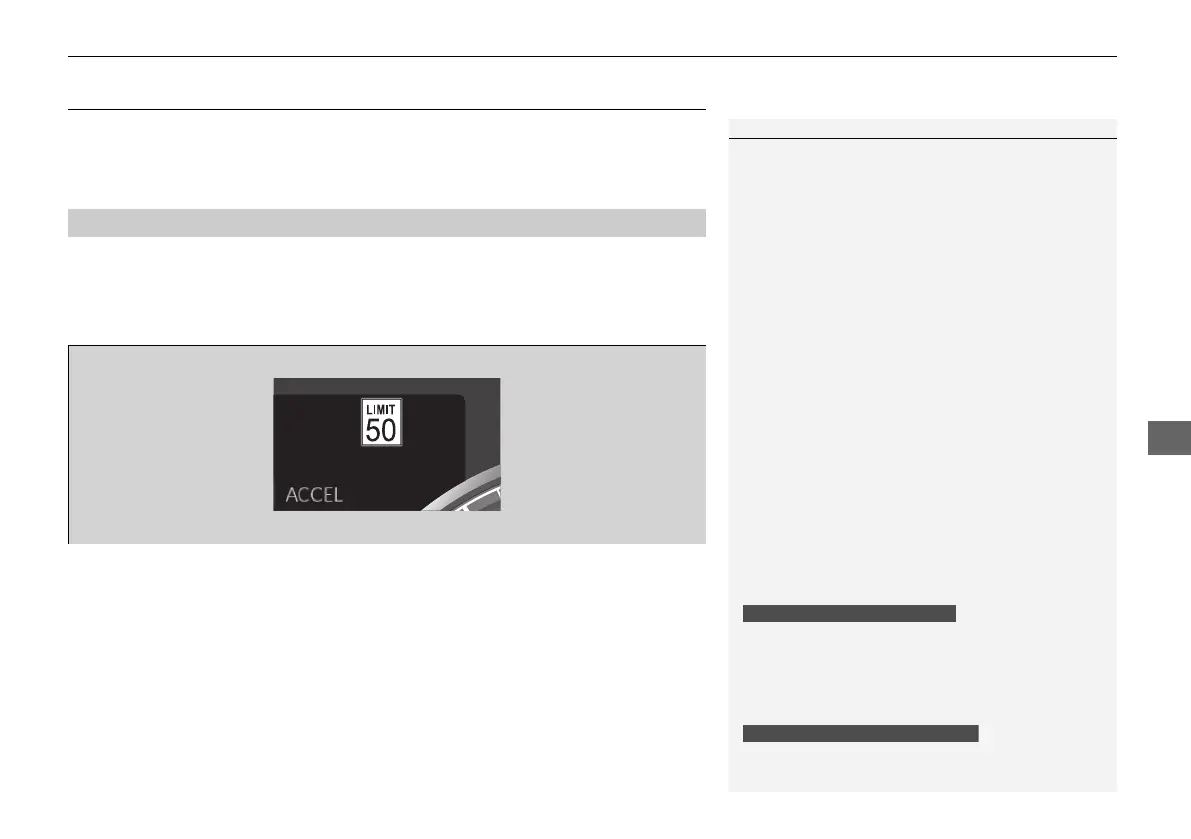
You can select whether the source of the speed limit
information is the front sensor camera or the
navigation system.
You can also turn off speed limit information.
2 Customized Features P. 302
You can turn on or off the speed limit information.
2 Customized Features P. 302



 To Next Page
 Loading...