4
SETUP
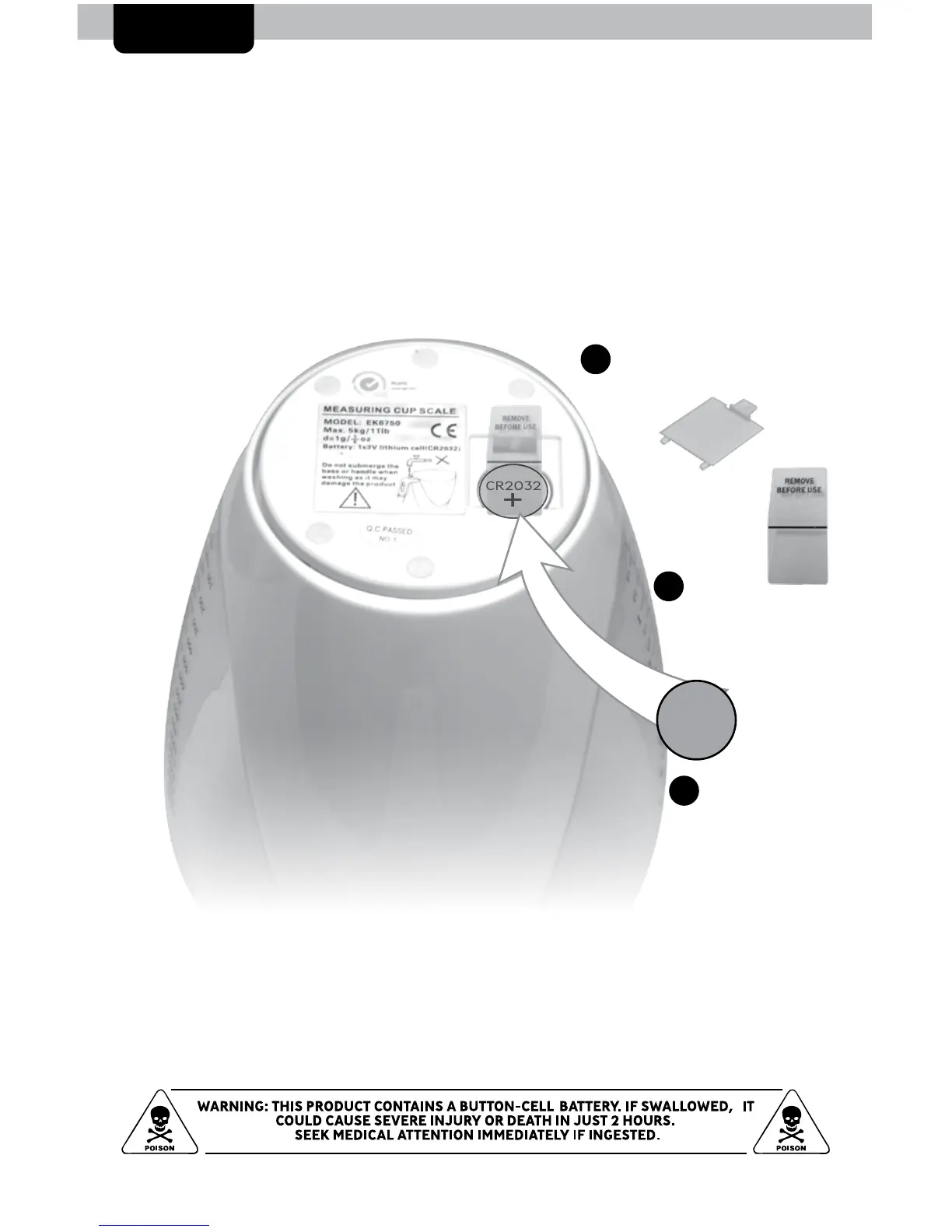
Install or Replace Battery
1. Remove the battery compartment cover.
2. Pull the plastic tab below the battery (if applicable) to remove and discard
the tab.
3. Insert 1 x 3V CR2032 lithium battery into the battery compartment, as
shown. Follow the polarity (+/-) diagram in the battery compartment.
4. Replace the battery cover.
3
Install Battery
1 x 3V CR2032
lithium battery
2
Remove
plastic tab
Remove
Battery Cover
1



 To Next Page