
 Need help?
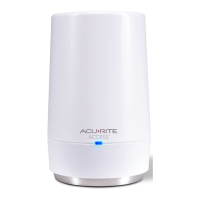
Do you have a question about the AcuRite Access and is the answer not in the manual?
Connect the Ethernet cable to the AcuRite Access device.
Connect the Ethernet cable from the Access to your network router.
Insert three AA alkaline batteries into the Access device.
Plug in the power adapter and wait for the device to start up and connect.
Register your Access device and create an account at www.myacurite.com.
Solutions for when the Access Device ID is not recognized by the account.
Steps to resolve issues with the Access having no network connection.
Information on how to get help via online resources, phone, or community forums.
Details on the warranty coverage, limitations, and remedies for AcuRite products.
Information regarding FCC rules and compliance for the device.
 General
| Brand | AcuRite |
|---|---|
| Model | Access |
| Category | Security System |
| Language | English |

 To Next Page