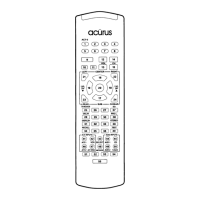
Example: If you wish to have the Audio volume operate in the VCR mode, you
would press the VCR Device button in Step 1 and the Audio Device button in Step 3.
E. Programming a Second Device onto Another Device Button:
Example: Assigning a second TV to the VCR Device Button.
Step 1. Press the Device button you wish to store the second device to, and the Mute
button, simultaneously, and hold until the red LED of the Device button remains lit.
( ego VCR and MUTE buttons)
Step 2. Press the Device button of the equipment you wish to transfer.
( ego TV Device button)
Step 3. Punch in three digit code number of the equipment you wish to assign.
( ego From the TV code table. )
Step 4. Press the Device button once again to store the code. ( ego VCR button)
Step 5. The Device button will blink twice confirming that the code has been stored.
The second TV will now operate in the VCR mode.
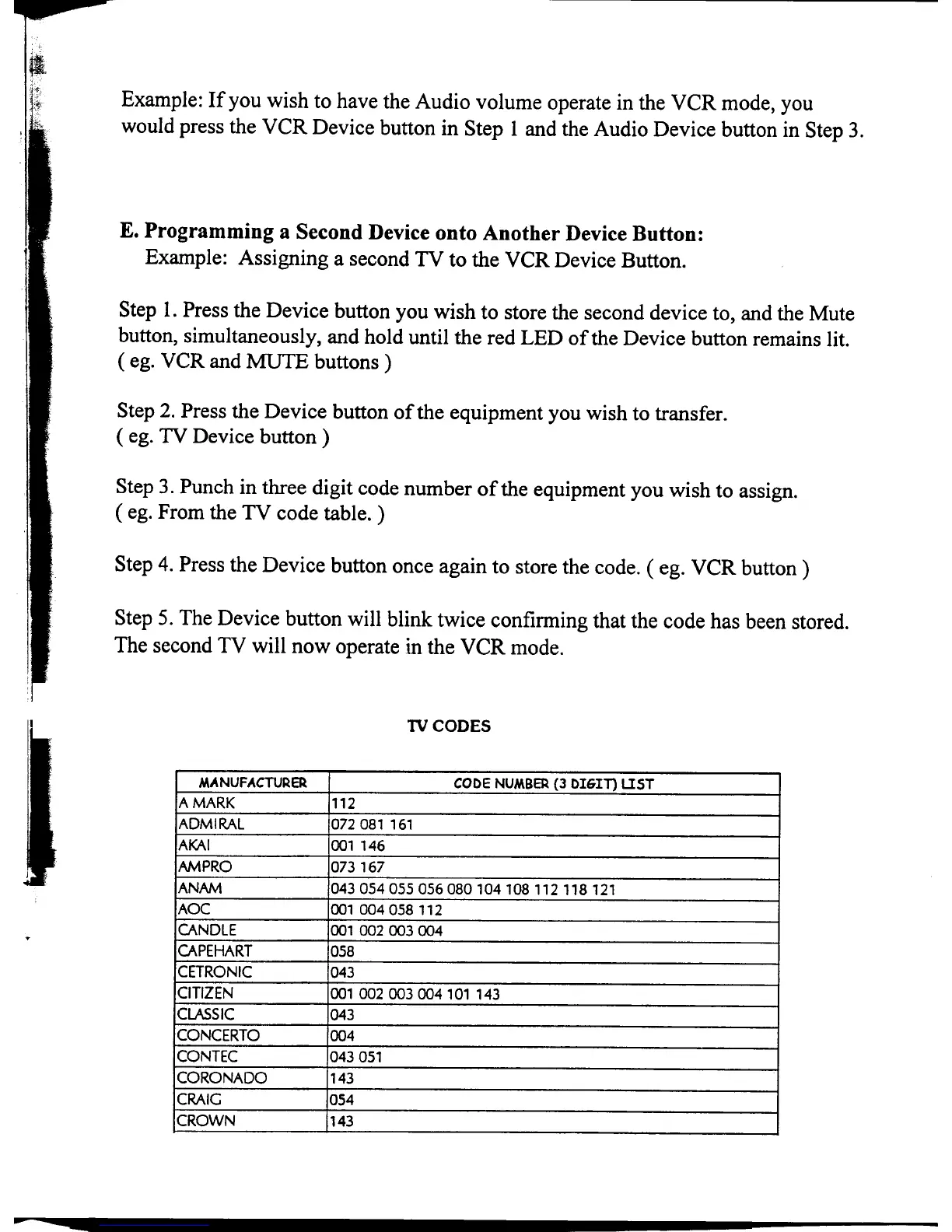
1VCODES
MANUFACTURER CODE NUMBER (3 DIGIT) LIST
A MARK 112
ADMIRAL 072 081 161
AKAI 001 146
AM PRO 073 167
ANAM 043054055056080104108112 118 121
AOC 001 004 058 112
CANDLE 001 002 003 004
.
CAPEHART 058
CETRONIC 043
CITIZEN 001 002 003 004 101 143
CLASSIC 043
CONCERTO 004
CONTEC 043 051
CORONADO 143
CRAIG 054
CROWN 143
~


 To Next Page
 Loading...