~ -~
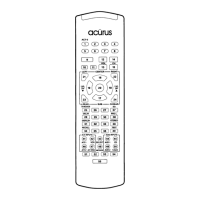
C. Programming the Macro buttons ( Ml - M4, Power) to send out multiple
commands.
The macro buttons can send out up to 8 commands with one push button in the
Audio, SAT and Cable modes. These buttons can be used to turn on and turn off up
to four different components with one button or to select your favorite channel, etc.
Setting Up:
Step 1. Press the Device button and Mute button simultaneously, hold until the red
LED of the Device button remains lit. The LED will turn on for 20 seconds.
Step 2. Press the macro button you wish to program.
Step 3. Press up to 8 buttons you wish to store. Pressing the Device button to change
modes is considered one command.
Step 4. Press the Channel UP button to store the commands. The Device Button will
blink twice to confirm the programming.
Note: The Power On/Off code is stored using the MUTE button during macro button
programmIng.
D. Volume Punch Through:
The user can program the remote to select the Audio or TV Volume controls
( Volume UP, Down and MUTE ) to operate in any of the eight modes.
Step 1. Press the Device and MUTE button, simultaneously, hold until the red LED
of the Device button remains lit.
Step 2. Press the Volume UP button.
Step 3. Press the Audio or TV Device button, depending on whether AUDIO volume
or TV volume is desired for the particular Device mode. The Device button will
blink twice, to confmn the programming and then turn off .


 To Next Page
 Loading...